A good remote work setup is not about buying every gadget. It is about removing the friction that makes work physically uncomfortable, hard to focus on, or embarrassing on calls.
Affiliate disclosure: WFH Toolkit may earn a commission when you buy through links in this guide, at no extra cost to you. Prices and stock change, so use these links as comparison starting points rather than fixed recommendations.Quick Picks
- First ergonomic upgrade: laptop stand, external keyboard, and mouse.
- Best call upgrade: 1080p webcam plus a small desk light.
- Best focus upgrade: noise canceling headphones or a USB microphone if calls matter most.
- Best reliability upgrade: UPS battery backup for your router and modem.
The First $150 to Spend
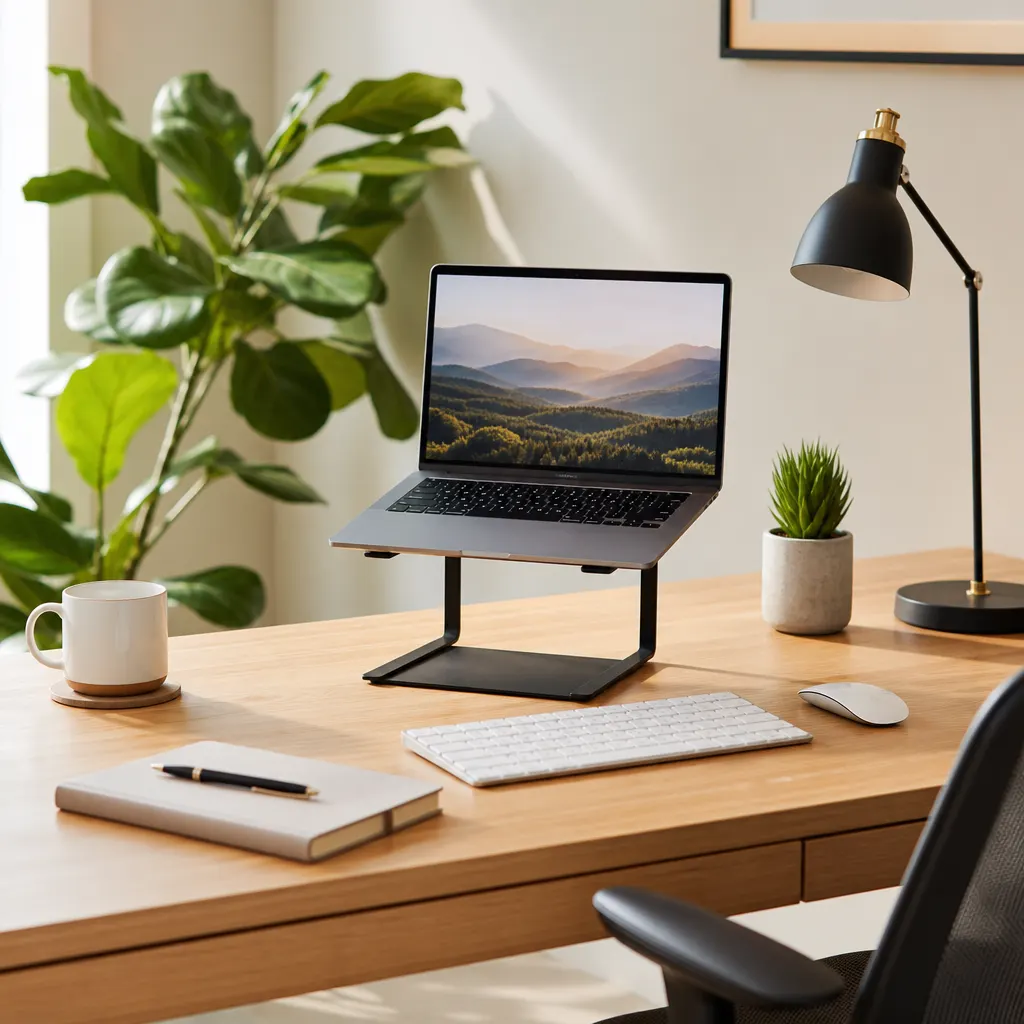
Spend the first $150 on posture and call quality. A laptop stand, keyboard, mouse, and small light usually beat a fancy desk. The stand raises your screen, the keyboard fixes wrist angle, and the light keeps you from looking like you work in a cave.
Use our best laptop stands for remote workers guide if you want a dedicated stand pick. If your setup has to stay under a strict budget, compare our home office under $200 and ultimate $200 desk setup.
The First $500 to Spend
At $500, build a complete daily setup:
- Adjustable laptop stand or monitor arm.
- External keyboard and mouse.
- 24-inch or 27-inch monitor.
- Webcam or better lighting.
- Headset or USB microphone.
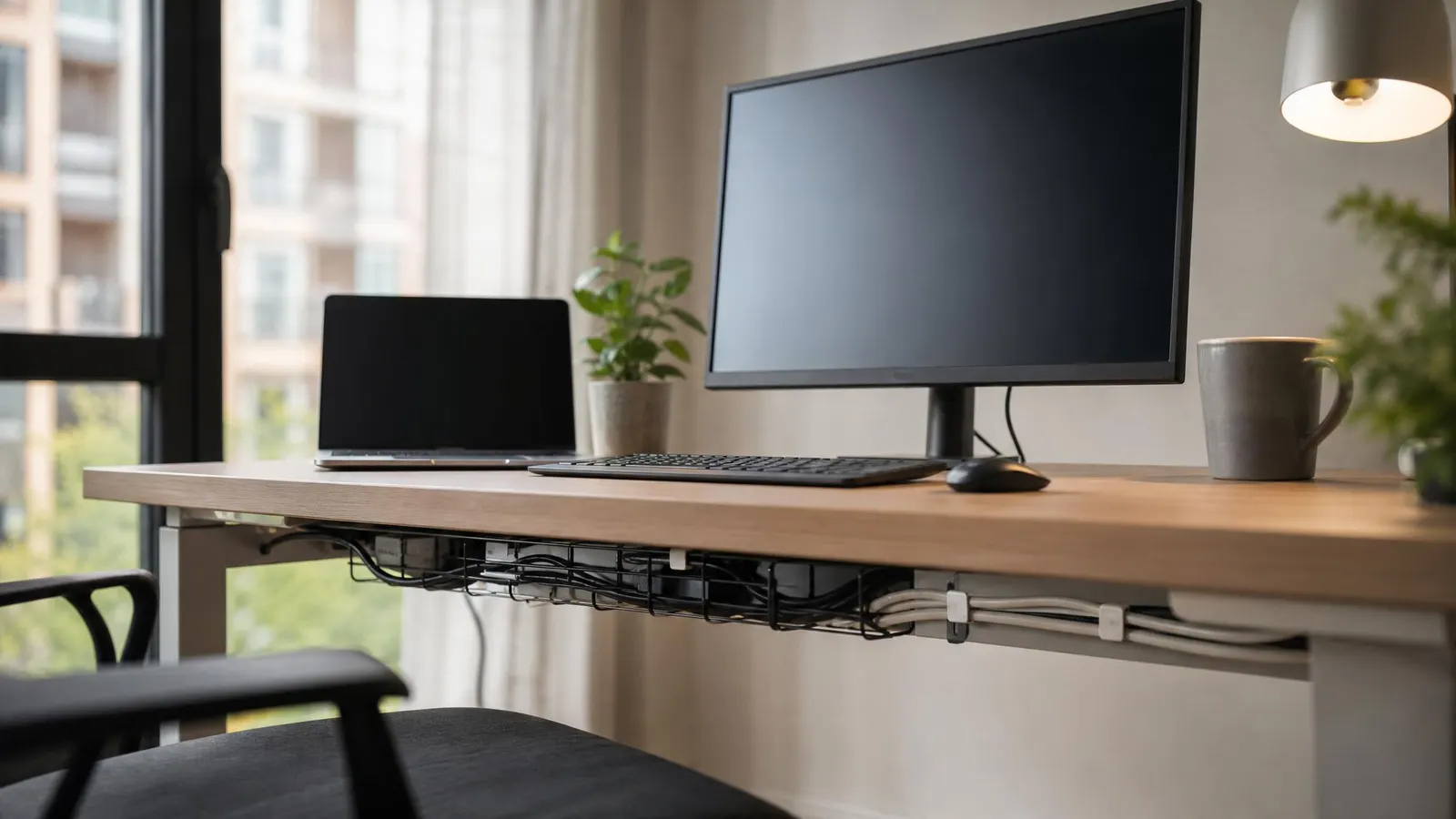
- Cable management.
- Router/modem battery backup if calls cannot drop.
For display choices, start with best monitors for remote work and dual monitor setup for remote work. For sound, compare noise canceling headphones for work calls and USB microphones for remote calls.
Chair vs Desk vs Monitor: What Comes First?
Buy a chair first if you sit all day
If you work eight-hour days from a dining chair, prioritize a real chair or at least lumbar support and a footrest. Our budget ergonomic chair guide covers what to look for without overspending.
Buy a monitor first if you multitask
If you live in spreadsheets, docs, or project management tools, a monitor usually pays off fast. A larger screen reduces window juggling and keeps the laptop screen from becoming your neck's enemy.
Buy a desk first if your surface is unstable
If your desk shakes, is too high, or forces you into bad posture, fix the surface. A standing desk converter can be a cheaper bridge than replacing the whole desk. See our standing desk converter guide.
Software and Backup Add-Ons
Hardware is only half the kit. Remote workers also need reliable software and fallback plans. A password manager, cloud storage, async communication tools, and a lightweight task app are usually enough for solo workers and small teams.
Useful software comparisons:
- Best task management apps for remote workers
- Cloud storage for remote workers
- Async communication tools for small remote teams
- AI productivity tools for remote workers
Portable Version for Cafes and Travel
If you work away from home, build a smaller go-bag: folding laptop stand, compact keyboard, earbuds, privacy screen, hotspot, and charging cable kit. Compare our work from cafe essentials, travel router guide, and portable hotspot guide.
Bottom Line
Buy in this order: posture, calls, focus, reliability. A remote work starter kit should make every workday easier, not turn your desk into a showroom.