If your neck aches by noon or your laptop fan gets loud on video calls, a laptop stand is usually the cheapest ergonomic upgrade to make first. The best laptop stands for remote workers raise the screen toward eye level, improve airflow, and leave enough budget for the external keyboard and mouse you need to finish the setup.
Quick answer: Choose a foldable stand like the Nexstand K2 if you work from multiple places, a fixed aluminum stand like the Rain Design mStand if your laptop stays on one desk, or an adjustable budget riser like the Lamicall if you need height control under $30. If you are building a full low-cost setup, compare this upgrade against the best ergonomic products for remote workers on tight budgets before spending the whole budget on a stand.Why You Actually Need a Laptop Stand
Your laptop screen, sitting flat on a desk, puts the top of the display roughly 6–8 inches below where your eyes naturally rest. Over hours of work, you compensate by tilting your chin down — which loads your neck with the equivalent of carrying a 40-pound weight. That's the source of the "tech neck" that's become an epidemic among remote workers.
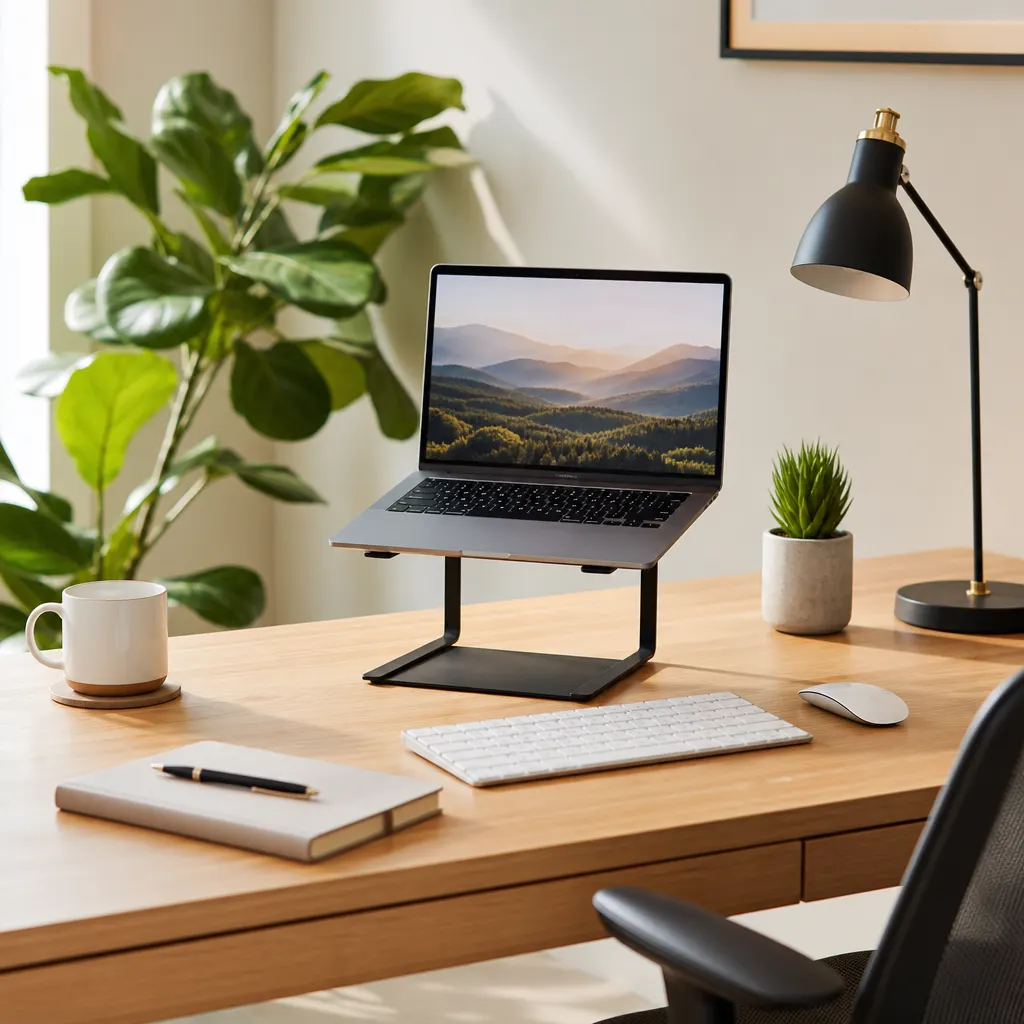
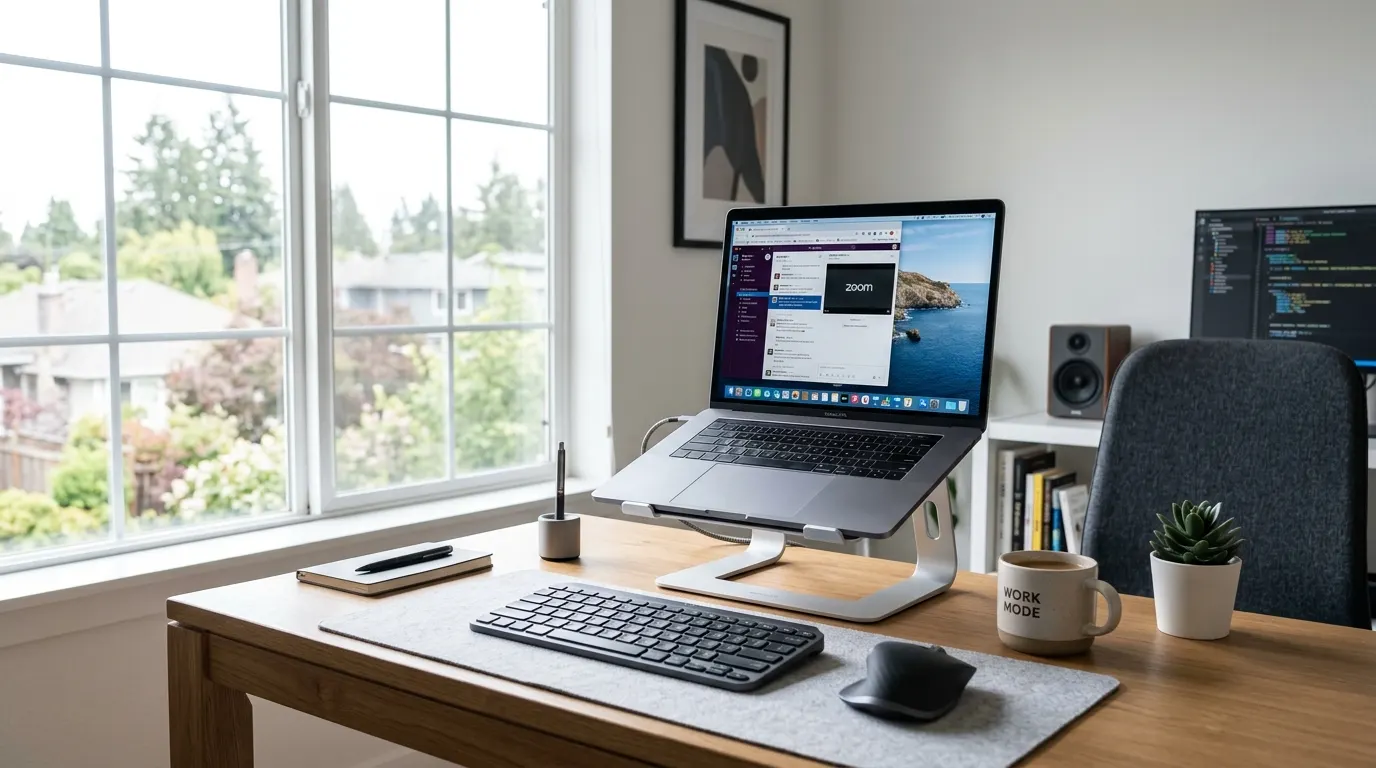
A laptop stand solves this by raising the screen to eye level, letting you sit with a neutral spine. The bonus: elevated airflow under the laptop means cooler thermals and a quieter fan, which matters when you're on video calls all day.
The catch is that with your laptop raised, you'll need an external keyboard and mouse. Pair your stand with a compact Bluetooth keyboard and you'll have a proper ergonomic workstation for under $120 total — far less than the cost of a chiropractor visit. If your wrists or shoulders already feel tight, use our ergonomic keyboard guide for remote workers before buying the cheapest keyboard in the cart.
Quick Comparison: Which Laptop Stand Should You Buy?
| Stand type | Best for | Typical budget | Tradeoff |
|---|---|---|---|
| Foldable travel stand | Hybrid workers, coworking days, small bags | $25-$40 | Lighter but less premium-looking on a permanent desk |
| Fixed aluminum riser | Dedicated home offices and MacBook-style setups | $35-$60 | Stable, but not height-adjustable |
| Adjustable desk stand | Budget setups that need exact screen height | $20-$35 | Less portable than a folding stand |
For most remote workers, the buying order is simple: get enough height first, then check stability, then decide whether portability matters. A beautiful fixed stand is the wrong pick if you move rooms every day, and an ultra-light travel stand is the wrong pick if you type on the laptop keyboard while it is elevated.
Best Laptop Stands in 2026
Disclosure: This guide includes Amazon affiliate links. We may earn a commission if you buy through those links, at no extra cost to you.
Nexstand K2 — Best for Remote Workers Who Travel
The Nexstand K2 folds flat to roughly the size of a ruler and weighs just 235g. It sets up in under 10 seconds and holds laptops from 10 to 17 inches securely. The seven-step height adjustment lets you dial in the exact eye-level position for your seated or standing desk configuration.
It handles up to 20 pounds, so even heavier gaming laptops sit comfortably. For anyone who takes their setup to a café, coworking space, or client site, this is the laptop stand to carry.
Nexstand K2 Laptop StandRain Design mStand — Best for a Permanent Desk Setup
The Rain Design mStand is a single-piece aluminum stand that sits at a fixed 6-inch height and matches the aesthetic of most MacBooks and silver PC laptops. There's no adjustment — it's built around a single optimal angle — which also means there are no hinges to loosen over time.
The built-in cable management channel routes your charging cable cleanly under the stand. It's heavier than portable options (680g) but that's why it doesn't wobble. If your laptop lives permanently on your desk, this is the stand you'll use for years without thinking about it.
Rain Design mStand Laptop StandLamicall Adjustable Laptop Stand — Best Budget Pick
At around $25, the Lamicall adjustable stand hits a sweet spot between price and function. It's height-adjustable between 2.4 and 8.3 inches, supports up to 22 pounds, and has a no-slip silicone grip that keeps laptops firmly in place. The hollow design promotes airflow underneath.
It's not as compact as the Nexstand for travel, but for a home office desk that doesn't move, it's a strong value pick. If your chair height or desk height is not ideal, the adjustable range makes it easier to land the screen at a comfortable level without stacking books under the laptop.
Lamicall Adjustable Laptop StandWhat to Look For When Buying
Height range: Your screen's top edge should sit at or just below eye level. Most people need 6–10 inches of elevation. Look for stands that adjust across that range. Stability: A stand that wobbles during typing is worse than no stand. Check that the grip pads are silicone and the base is wide enough to stay planted. Portability: If you leave the house with your laptop regularly, weight matters. Sub-300g stands fold flat and fit in a laptop sleeve. Material: Aluminum stands dissipate heat better than plastic. They're also more rigid and tend to last longer under daily use. Laptop compatibility: Check the weight limit and width of the support arms. Larger 16-inch laptops and gaming machines need stands rated for 15+ pounds. Keyboard and mouse plan: Do not buy a stand if it leaves no budget for a separate keyboard and mouse. Typing for hours on an elevated laptop can trade neck relief for shoulder and wrist strain.Pair Your Stand With These
A laptop stand alone creates an ergonomic problem: your keyboard is now at awkward laptop height while your screen is elevated. You need a separate keyboard and mouse to complete the setup.
For a full ergonomic home office under $200, pair your stand with a compact Bluetooth keyboard (the Logitech MX Keys Mini or Keychron K3 are both excellent) and a wireless mouse. Your wrists will thank you. The remote-worker ergonomic keyboard guide explains when a low-profile board, split layout, or separate numpad makes the most sense.
For a stricter shopping order, use the best ergonomic products for remote workers on tight budgets to see when a laptop stand should come before a new chair, foot rest, keyboard, or lighting upgrade.
FAQ
Do laptop stands work for all laptop sizes?
Most stands support 11–17 inch laptops, but always check the specs. Very large gaming laptops (17+ inches, 4+ kg) may need stands rated for higher weight limits. Width-adjustable arms, like those on the Nexstand, accommodate most standard laptop chassis widths.
Will a laptop stand damage my laptop?
No — as long as the grips are silicone or rubber, the stand makes direct contact without scratching. The main thing to avoid is stands with bare metal contact points. All picks in this guide use protective grips.
Can I use a laptop stand at a standing desk?
Yes, and it's one of the best combinations for remote workers. At a standing desk, you typically need a taller stand — look for models that extend to 10+ inches, or use a taller riser platform beneath your stand. The Nexstand K2 maxes at about 9 inches, which works for most standing desk heights when combined with a desk mat.
Should I get a standing desk converter instead of a laptop stand?
They solve different problems. A laptop stand raises your screen on any desk. A standing desk converter sits on top of your existing desk and lets you switch between sitting and standing throughout the day. If you already have good screen height and want sit-stand movement, the converter is the next step up. If you are still fixing your viewing angle or building your first ergonomic setup, start with the stand.