Can you really build a complete ergonomic remote work setup for less than the price of a single pair of high-end headphones? Absolutely. If you are searching for the best ergonomic products for remote workers on tight budgets, start with the items that fix posture first: a supportive chair, solid foot position, screen height, input devices, and lighting.
Quick answer: the best tight-budget ergonomic setup is a used office chair, a stable desk surface, a laptop stand, an external keyboard and mouse, a foot rest if your feet do not reach the floor, and a warm adjustable desk lamp. A realistic spend looks like this: Used Office Chair (~$70) + Simple Desk (~$45) + Laptop Stand (~$15) + External Keyboard/Mouse (~$25) + Foot Rest (~$20) + Good Lighting (~$20) = $195.Disclosure: This guide includes Amazon affiliate links. If you buy through those links, we may earn a commission at no extra cost to you.
Budget Ergonomic Priority List
| Priority | Product | Target Budget | Why it matters |
|---|---|---|---|
| 1 | Used ergonomic office chair | $50-$80 | Supports your back and hips for the whole workday. |
| 2 | Laptop stand | $10-$20 | Raises the screen so you are not folding your neck down. |
| 3 | Keyboard and mouse | $20-$30 | Lets your screen stay high while your hands stay low and relaxed. |
| 4 | Foot rest | $15-$25 | Fixes dangling feet when the chair must be raised for typing. |
| 5 | Task lamp | $15-$25 | Reduces eye strain and makes video calls look cleaner. |
| 6 | Simple desk or table | $30-$60 | Gives the setup a stable surface at a workable height. |
If you already own one of these, reuse it and move the money to the weakest part of your setup. For example, a free dining table plus a good used chair usually beats a new desk paired with a bad chair.
Step 1: The Throne - Your Chair (~$70)
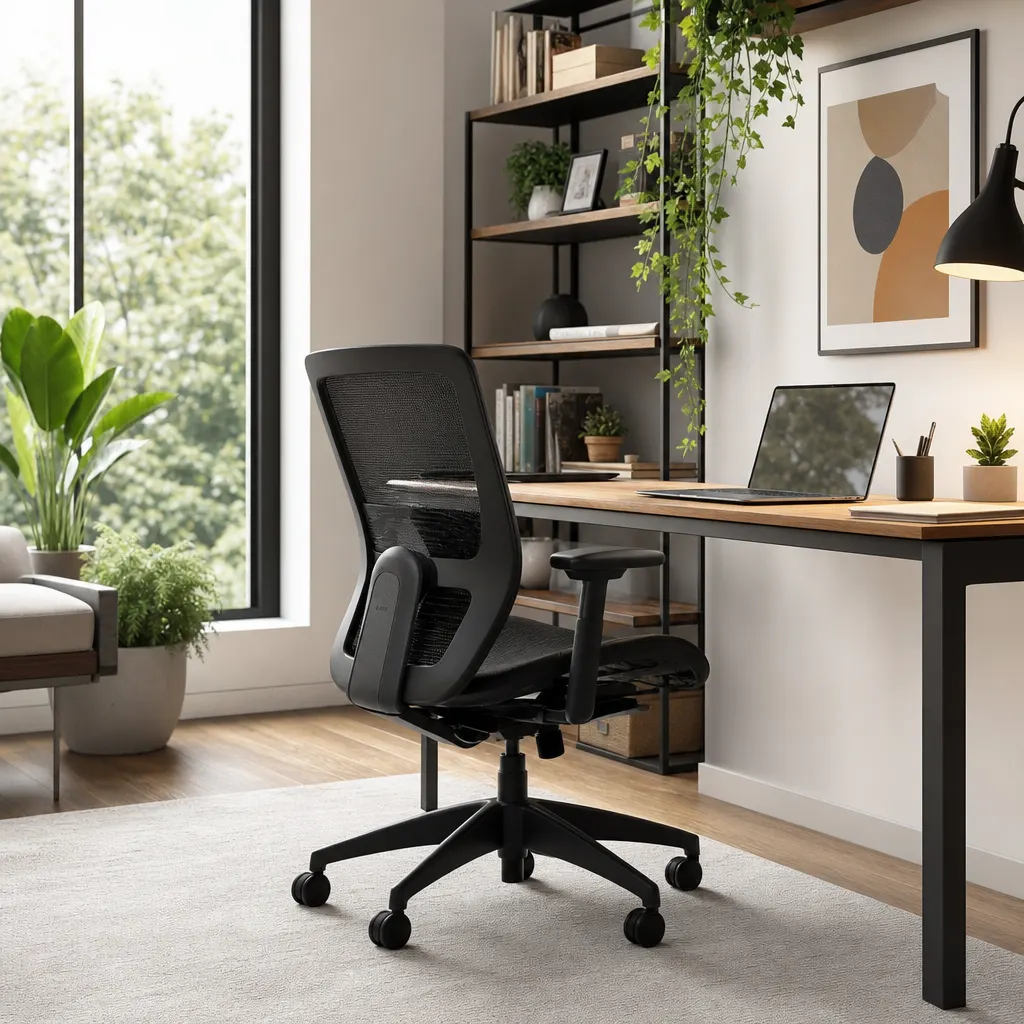
If you're going to splurge on one item, make it your chair. Your back will thank you. Hunting for a used, high-end office chair is the single best way to maximize your budget.
- Where to Look: Facebook Marketplace, Craigslist, and local office furniture liquidators are your best friends. Companies are constantly moving or downsizing, leaving a surplus of high-quality chairs.
- What to Look For: Look for brands like Herman Miller, Steelcase, or Haworth. Even 10-year-old models are built to a higher standard than most new chairs under $200.
- Key Features: Prioritize adjustable height, solid lumbar support, and adjustable armrests. A mesh back is a bonus for breathability. You can often find a used Steelcase Series 1 or similar model for $50-$80. If you want a deeper chair-only checklist, compare this with our budget ergonomic chair guide.
- Affiliate option: For a new chair search starting point, the Neo Chair Ergonomic Desk Chair is often positioned as an entry-level budget option.
If your chair is slightly too tall once your keyboard height feels right, do not lower it until your wrists are cramped. Add a work from home foot rest so your feet have a stable base.
Step 2: The Surface - Your Desk (~$50)
You don't need a fancy, oversized desk. You need a stable, flat surface at the right height.
- The IKEA Hack: The most popular and effective budget desk is the DIY approach. Combine an IKEA LINNMON tabletop ($20-$30) with four ADILS legs ($5 each). This gives you a sturdy, clean-looking desk for around $40-$50.
- Secondhand Steals: Don't underestimate thrift stores or Goodwill. You can often find simple, solid wood desks for under $50. Just be sure to measure your space first.
- Authority Link: For ideas on how to properly position your desk and chair, check out the OSHA guide to office ergonomics.
Step 3: The Ergonomic Tech Essentials (~$75)
With the foundation set, it's time for the gear that makes it all work. This is where you can be frugal without sacrificing much performance.
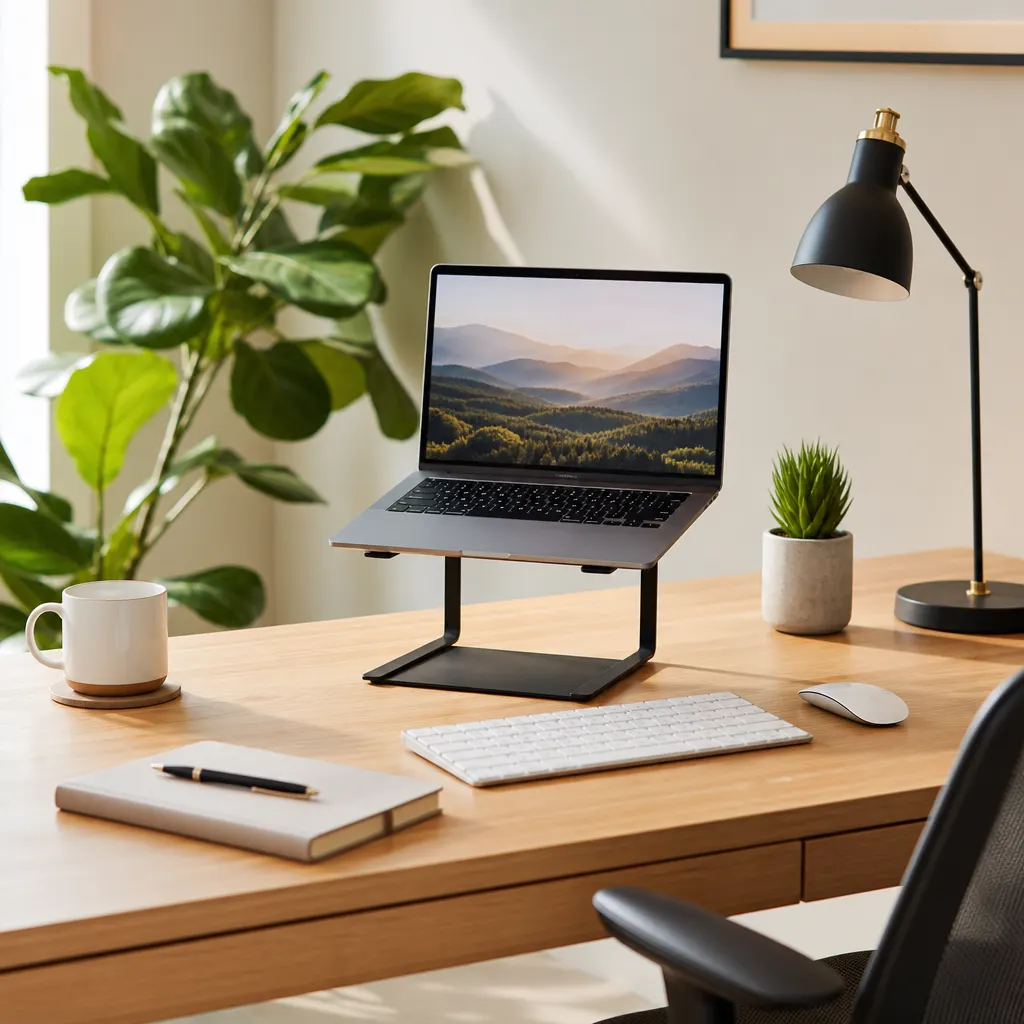
- Laptop Stand (~$15): Raising your screen to eye level is non-negotiable for preventing neck pain. A simple, ventilated aluminum stand works perfectly. The Nulaxy Laptop Stand is a popular, affordable choice. In a pinch? A stack of textbooks is free.
- External Keyboard & Mouse (~$25): Once your laptop is on a stand, you need external peripherals. The Logitech MK270 Wireless Keyboard and Mouse Combo is a workhorse. It's reliable, the battery lasts forever, and it costs less than $30.
- Foot Rest (~$20): A foot rest is the cheapest way to fix a too-high chair, especially if you work at a kitchen table or fixed-height desk. Start with a basic adjustable model before buying pricier accessories.
- Task Lighting (~$20): Good lighting reduces eye strain. A simple LED desk lamp with adjustable brightness and color temperature is a game-changer. Look for brands like Lepro or JUKSTG on Amazon; they offer great options for around $20.
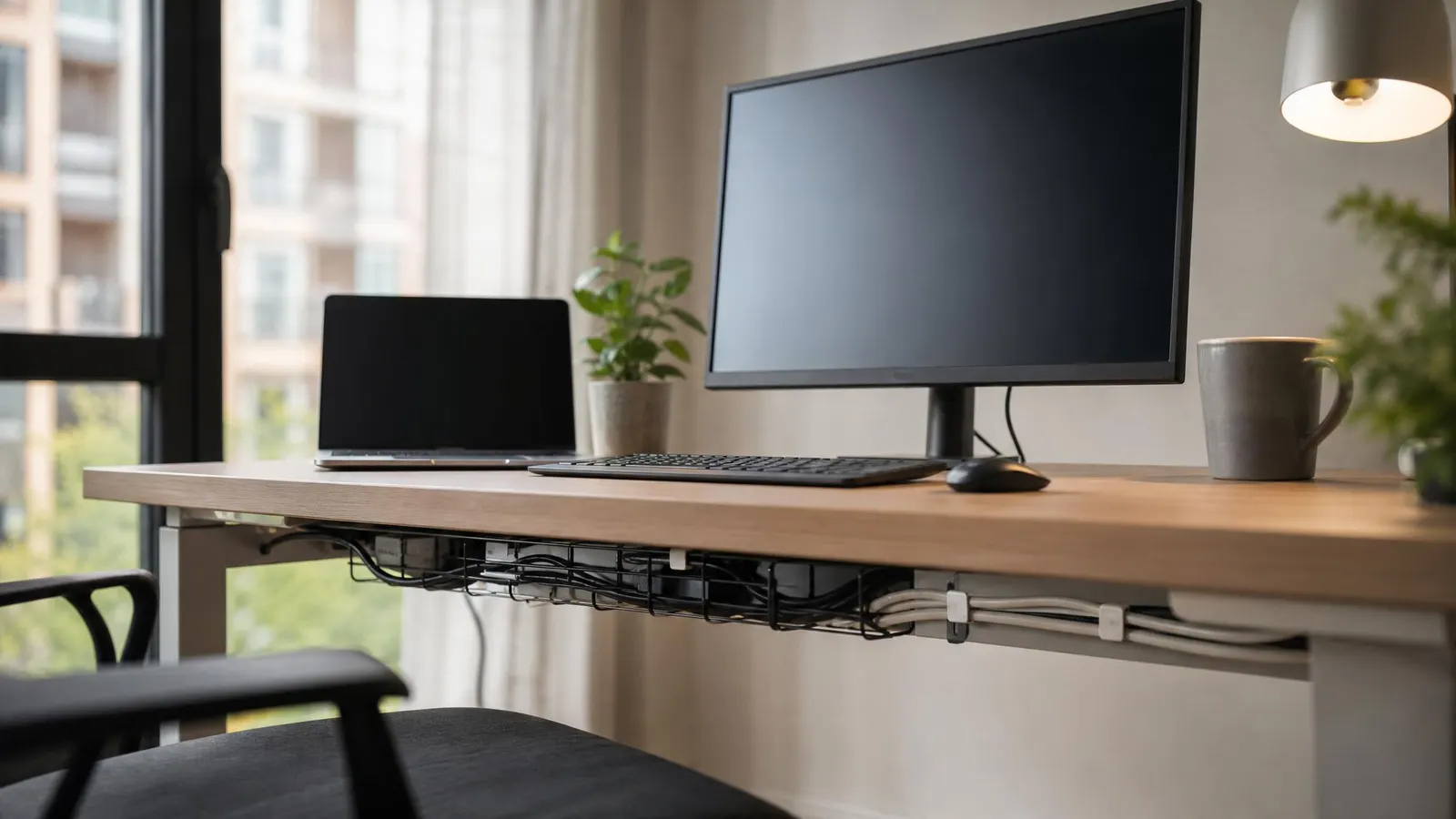
- Power Strip (~$15): If your desk already feels good, a basic Anker Power Strip with USB can keep your desk tidy and your devices charged. If you are still choosing between comfort and cable cleanup, buy the comfort item first.
For more specialized upgrades, use our ergonomic keyboard guide if your wrists ache, or the standing desk converter guide if you already have the basics and want sit-stand movement without replacing your whole desk.
Your Sample $200 Shopping Cart
| Item | Estimated Cost |
|---|---|
| Used Steelcase Office Chair | $70 |
| Simple secondhand desk or IKEA setup | $45 |
| Nulaxy Laptop Stand | $15 |
| Logitech MK270 Combo | $25 |
| Adjustable foot rest | $20 |
| LED Desk Lamp | $20 |
| Grand Total | $195 |
This leaves you with $5 for a small cable clip pack, a used mouse pad, or a plant to make the space your own. Check out our guide on desk organization for remote workers once the ergonomic basics are solved.
What to Skip Until Later
Skip the upgrades that look impressive but do not solve your current discomfort. RGB light bars, decorative monitor shelves, premium desk mats, and expensive webcam mounts can wait. A tight-budget remote worker should buy posture fixes before aesthetic upgrades.
Also be careful with cheap "gaming" chairs. Some are fine for short sessions, but many trade adjustability for padding and styling. If the same money can buy a used task chair with better lumbar support and seat-height range, the used office chair is usually the stronger ergonomic buy.
FAQ Section
Q1: Is it better to buy a new cheap chair or a used expensive one?A used expensive chair is almost always the better investment. A high-end chair is designed for 8+ hours of daily use for a decade or more, while a cheap new chair often uses lower-density foam and less durable plastics that wear out quickly.
Q2: What's the ideal desk height?When you're sitting with your feet flat on the floor, your elbows should be at a 90-degree angle when typing. Most standard desks are around 29-30 inches tall, which works for people of average height. If you're taller or shorter, an adjustable chair is key to making it work.
Q3: Can I just use my laptop keyboard and trackpad?You can, but you shouldn't. Hunching over a laptop all day is a primary cause of "tech neck" and wrist strain. Separating your screen from your keyboard is one of the most important ergonomic improvements you can make.
Q4: What is the first ergonomic product to buy if I only have $50?Buy the item that fixes the biggest mismatch. If your chair is painful, hunt for a used office chair. If your chair is okay but your neck bends down all day, buy a laptop stand plus a basic keyboard and mouse. If your feet dangle, buy a foot rest first.
By being a smart shopper and focusing on what truly matters—your posture and comfort—you can easily build a fantastic and productive desk setup for under $200.