Most remote workers think about chairs, monitors, and keyboards first. Those matter, but your feet quietly control more of your posture than you expect. When they dangle, tuck under the chair, or press awkwardly into the floor, the rest of your setup starts compensating.
If you are building a complete low-cost desk setup, treat the foot rest as a support purchase rather than the first thing in the cart. Start with the best ergonomic products for remote workers on tight budgets, then decide whether your chair, laptop stand, keyboard, or foot support is the weak link.
Why a Foot Rest Helps Remote Workers
A foot rest gives your lower body a stable base. That sounds boring, but boring is good ergonomics. When your feet are supported, it is easier to sit back into the chair, use the backrest, and keep your hips from sliding forward by lunch.
This matters most in home offices built from mixed furniture. A kitchen table may be too high. A budget chair may not lower enough. A dining chair may have no height adjustment at all. Even a decent ergonomic chair can feel wrong if the desk height forces you to raise the seat until your feet barely touch the floor.
The goal is simple: your thighs should feel supported, your feet should rest comfortably, and your shoulders should not creep upward while you type. The Occupational Safety and Health Administration's computer workstation guidance is a useful reference if you want a more formal checklist for chair, desk, and monitor position.
Signs You Actually Need One
You do not need to buy every ergonomic accessory on the internet. A foot rest makes sense when it solves a specific mismatch in your setup.
Common signs include feet that dangle, heels that barely touch the floor, pressure under the thighs, lower-back fatigue, or a habit of wrapping your feet around the chair base. It can also help if you keep raising your chair to get your wrists aligned with the desk, then lose solid foot contact.
If your chair already lets both feet rest flat and your knees feel relaxed, a foot rest is optional. You may still like a rocking or textured model for movement, but posture support is the main reason to buy one.
For a full budget setup, pair this with the basics from our home office under $200 guide: chair height, screen height, lighting, and a simple keyboard-and-mouse setup.
If you are deciding whether a foot rest belongs in the first round of purchases, use the tight-budget ergonomic products guide to compare it against the chair, laptop stand, keyboard, lighting, and desk basics.
What to Look For in a Work From Home Foot Rest
The best foot rest is adjustable enough to fit your desk, chair, and body. Fixed-height blocks can work, but adjustable models are easier to get right when your setup changes.
Look for a wide platform that supports both feet without forcing your knees together. A non-slip top matters because a slick plastic surface gets annoying fast. The base should stay planted on wood, tile, or carpet, and the height should be easy to change without tools.
Foot Rest Comparison for Remote Workers
| Foot rest style | Best for | Watch out for | Budget priority |
|---|---|---|---|
| Adjustable plastic platform | Most home offices, fixed-height desks, and chair-height mismatches | Cheap hinges, slippery tops, and narrow platforms | Best first choice for daily work |
| Memory foam foot rest | Barefoot workers, shorter sessions, and people who want softer pressure | Less precise height control and foam compression over time | Good comfort pick after chair height is set |
| Rocking foot rest | Restless legs and workers who like quiet movement under the desk | Too much movement can distract some people | Useful if fidgeting is the main issue |
| DIY box or books | Testing whether foot support helps before buying | No angle adjustment, sliding, and awkward height | Fine as a temporary test |
Disclosure: This guide includes Amazon affiliate links. If you buy through those links, we may earn a commission at no extra cost to you.
There are three common styles worth shopping:
- Adjustable plastic foot rests: affordable, easy to clean, and good for most desks.
- Foam foot rests: softer under bare feet, comfortable for long sessions, but less precise.
- Rocking foot rests: useful if you like small movement while working.
For most people, an adjustable ergonomic foot rest is the safest first pick. If you work barefoot or in socks, a memory foam foot rest can feel better. If you fidget, a rocking desk foot rest gives your legs something quiet to do during calls.
Setup Tips That Prevent New Problems
Do not just shove the foot rest under the desk and call it finished. Sit normally, adjust your chair for typing height, then place the foot rest where your feet naturally land.
Your knees should feel relaxed, not lifted sharply toward your chest. Your hips should stay back in the chair. If the foot rest pushes you forward, move it closer or lower it. If only your toes touch, raise it or pull it back.
Also check your desk clearance. A foot rest should not trap your legs or make it harder to change position. You still want room to stretch, shift, and stand up without kicking hardware every time.
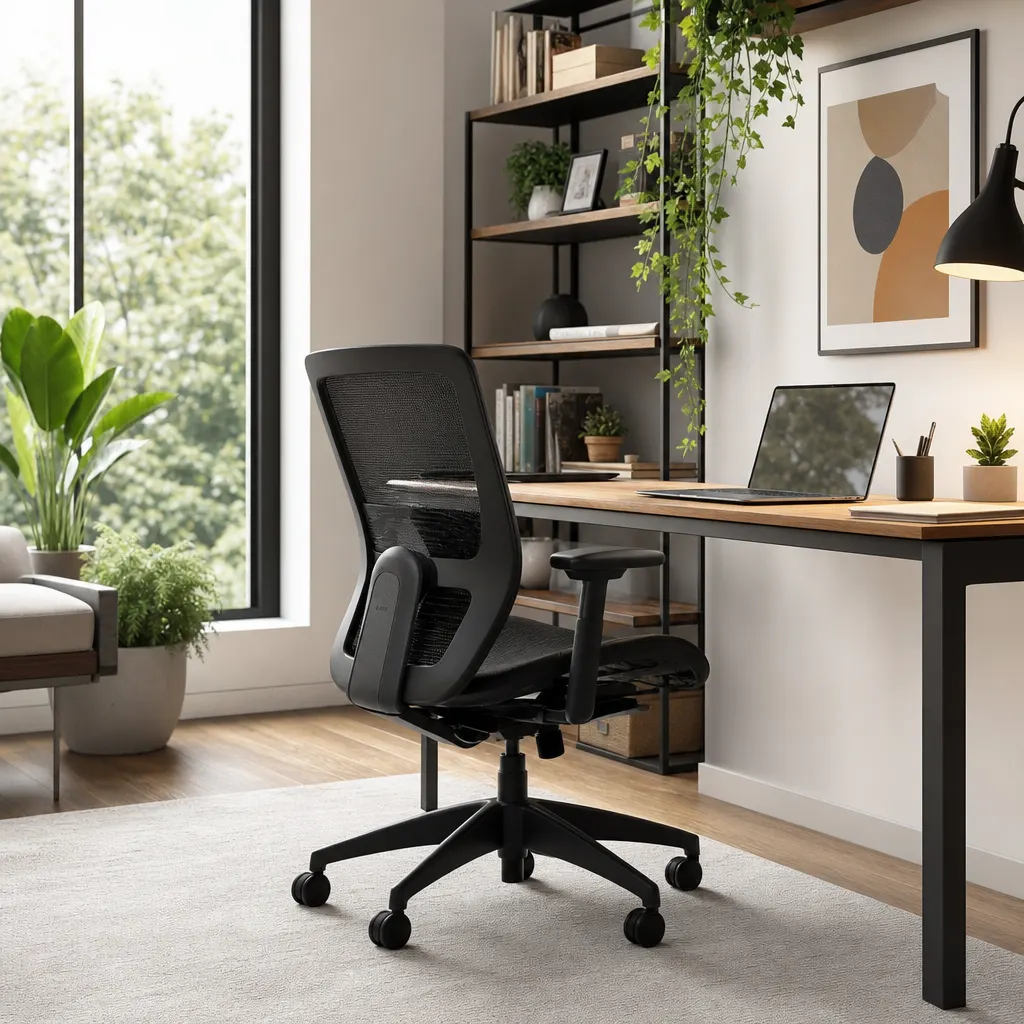
If your chair has poor lumbar support, a foot rest will not fix that by itself. It works best as part of a basic ergonomic chain: chair height, foot support, screen height, and input devices. If the chair itself is the weak point, compare replacement paths in the budget ergonomic chair guide before spending more on accessories.
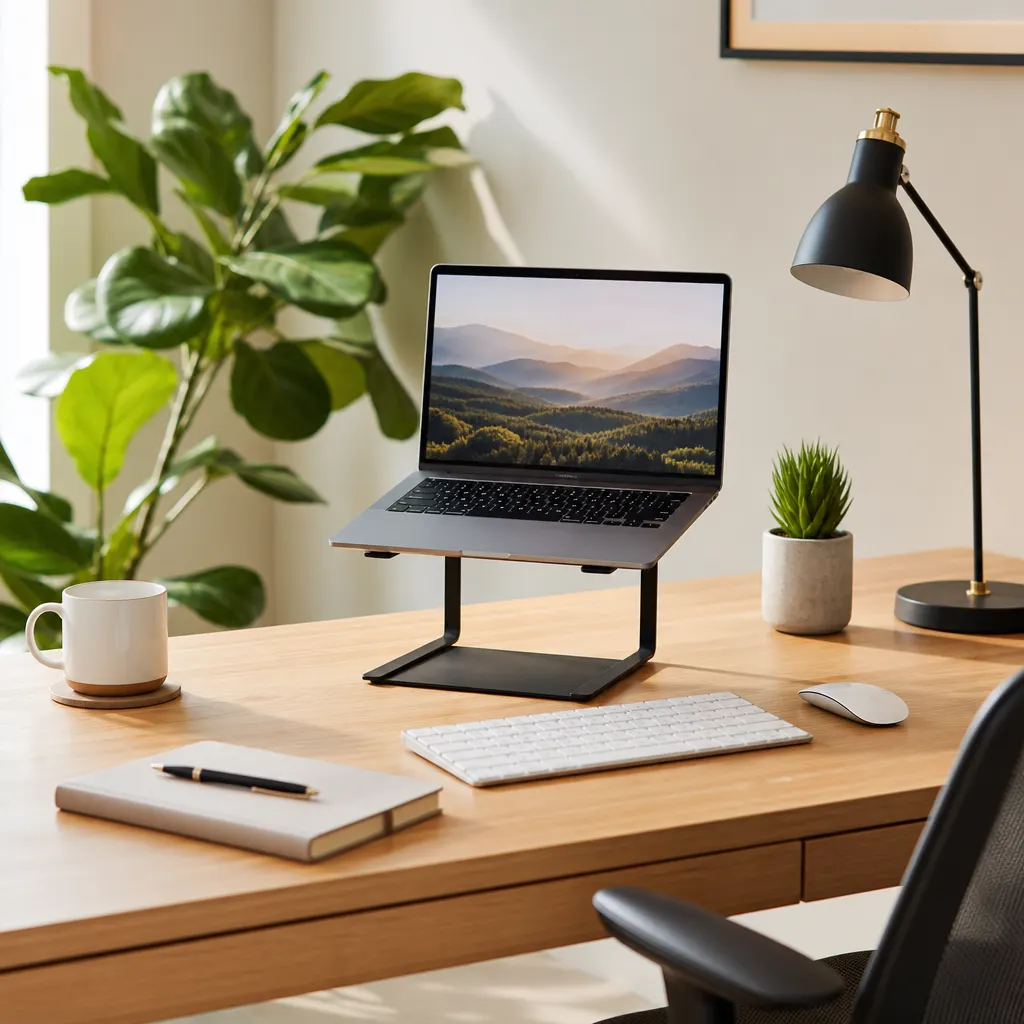
The same rule applies above the desk. If your laptop screen is too low, use a laptop stand for remote work with separate input devices instead of raising your chair until your feet lose support. A simple wireless keyboard and mouse combo can help if your laptop stand has raised your screen but left your hands reaching upward.
FAQ
Is a foot rest better than lowering my chair?
Lower the chair first if you can still type comfortably. If lowering the chair makes your wrists angle upward or your shoulders tense, keep the chair at the right typing height and add a foot rest.
Can I use a box instead of buying a foot rest?
Yes, as a test. A sturdy box or stack of books can show whether foot support helps. Buy a real foot rest if the test works, because adjustable height and a non-slip surface make daily use easier.
Are rocking foot rests distracting on video calls?
Usually no. The movement is under the desk and silent on decent models. If you tend to bounce your legs loudly, choose a stable adjustable platform instead.
Bottom Line
A work from home foot rest is a small fix for a common remote-work problem: furniture that almost fits. If your feet are unsupported, your chair feels too tall, or your legs get uncomfortable during long days, this is a practical upgrade that costs less than most desk gadgets and may make your whole setup feel calmer.
For the clearest shopping order, use the tight-budget ergonomic products guide first, then pair this foot-rest decision with the right budget chair and laptop stand for your desk height. Once your seated setup feels solid, a standing desk converter lets you add sit-stand movement without replacing your furniture — and a good foot rest becomes even more useful when you return to sitting after a standing session.