A cluttered desk can lead to a cluttered mind. For remote workers, your desk isn't just a piece of furniture—it's your command center, your studio, and the boundary between work and life. A well-organized workspace can dramatically boost focus, reduce stress, and improve your overall efficiency. If you're constantly searching for a pen or wrestling with a tangled mess of cables, it's time to reclaim your desk.
This post contains affiliate links. We may earn a small commission at no extra cost to you.Here are some essential tips and tools to help you create a clean, productive, and inspiring home office environment.
1. Start with a Clean Slate
Before you can organize, you need to declutter. Empty your desk completely. Go through every item and sort it into one of three piles: keep, trash, or relocate. Be ruthless. That stack of old notebooks, the three empty mugs, and the collection of dried-out pens? It's time for them to go. This process gives you a blank canvas and a clear idea of what you actually need within arm's reach.
2. Embrace Vertical Space
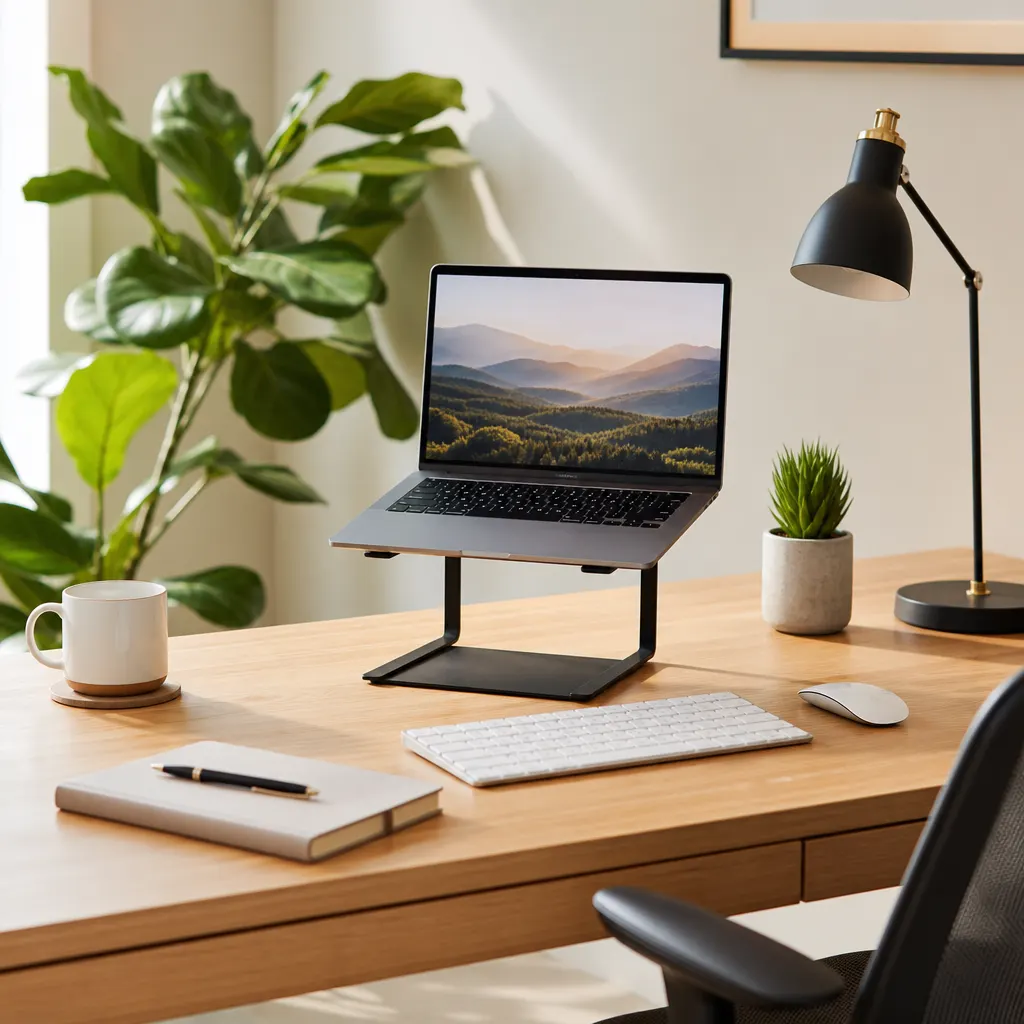
When surface area is limited, think vertically. A simple monitor stand can do wonders. Not only does it elevate your screen to a more ergonomic height, but it also creates a new storage tier underneath for your keyboard, notebooks, or other small items. Many stands come with built-in drawers or organizers.
A great option for this is a Bamboo Monitor Stand with Organizer. It’s sturdy, looks great, and provides immediate organizational benefits by giving your most-used items a dedicated home without cluttering your main workspace.
3. Conquer Cable Clutter
Nothing makes a desk look messier than a spaghetti monster of wires. Tangled cables for your monitor, laptop, charger, and peripherals are not only unsightly but also a major hassle. Thankfully, cable management has come a long way.
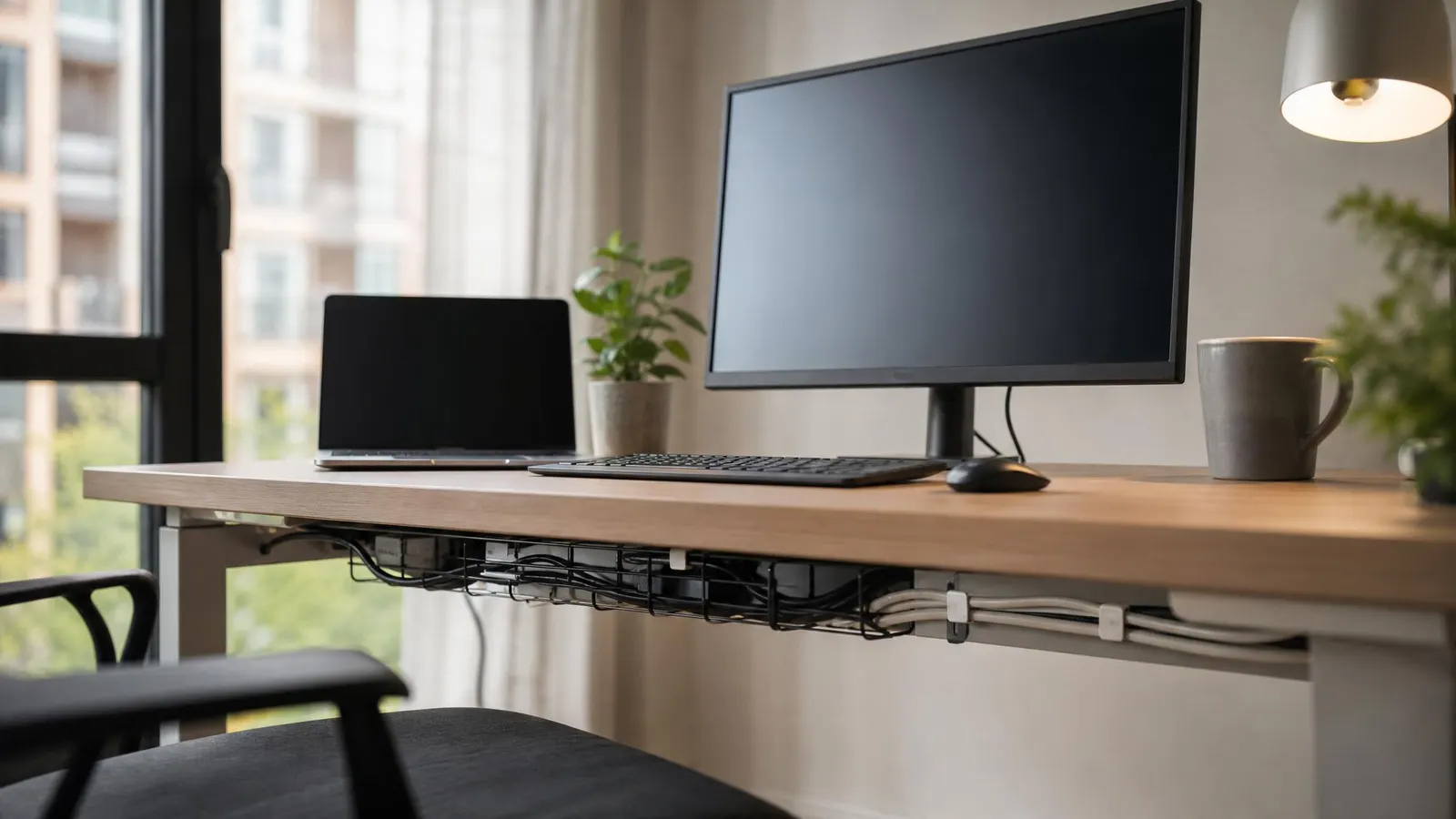
Start by bundling related cables together. Use simple velcro ties or clips to keep them neat. For a more permanent solution, consider an under-desk cable management tray. This keeps all your power strips and excess wiring completely out of sight. For the cables on your desk, a Silicone Cable Clip Organizer is a must-have. It sticks to the edge of your desk and holds your charging cables in place, so they never slip away when you unplug your devices.
4. Implement a Zone System
Assign a purpose to each area of your desk. Your primary zone, directly in front of you, should be for your keyboard, mouse, and current notebook. A secondary zone could be for your drink, phone stand, and a small plant. Everything else should be stored in drawers or on shelves. This "zoned" approach ensures that your most-used tools are easily accessible, while less frequent items are stored neatly out of the way.
5. Use Drawer Dividers and Desk Trays
Your desk drawers can easily become a junk drawer if you're not careful. Use simple drawer dividers or small trays to compartmentalize your supplies. Have a dedicated spot for pens, another for sticky notes, another for paperclips, and so on. A Mesh Desk Organizer with Drawers can sit on your desk or on a nearby shelf to hold notebooks, files, and other supplies that you need regular access to but don't want cluttering your main work area.
6. Secure Your Connection with a VPN
While organizing your physical space, don't forget your digital workspace. As a remote worker, your home network is your connection to your company's resources. Securing this connection is crucial. A reliable VPN (Virtual Private Network) encrypts your internet traffic, protecting sensitive data from potential threats, especially if you ever work from a cafe or coworking space. Services like NordVPN offer robust security and fast speeds, ensuring your digital environment is as clean and secure as your physical one.
By investing a little time in setting up an organized desk, you're investing in your own productivity and well-being. A clean space fosters clear thinking, allowing you to focus on what truly matters: doing your best work.