In the modern remote work landscape, your home office is your command center. But whether you're working from a bustling city apartment, a suburban home with family, or a shared co-working space, one thing is certain: unwanted background noise is the enemy of productivity. Barking dogs, construction sounds, and chatty roommates can turn a critical client call into a stressful, unprofessional experience. This is where a high-quality pair of noise-canceling headphones becomes one of the most important investments you can make in your career.
This post contains affiliate links. We may earn a small commission at no extra cost to you.Why Active Noise-Cancellation (ANC) is a Game-Changer
Standard headphones simply block sound by creating a physical barrier. Active Noise-Canceling (ANC) headphones, however, are far more sophisticated. They use built-in microphones to listen to the ambient sounds around you and then generate an opposing sound wave—an "anti-noise"—that effectively cancels it out before it ever reaches your ears. The result is a bubble of serene quiet, allowing you to focus completely on your conversation, not the chaos around you.
For work calls, this has two major benefits. First, you can hear the other participants with perfect clarity. Second, and just as importantly, the microphones in these headphones are designed to isolate your voice, ensuring that your colleagues hear you, not your environment.
Key Features to Look For
When shopping for the perfect pair of work-from-home headphones, consider these factors:
- Microphone Quality: Look for models with multiple microphones or beamforming technology. This is crucial for isolating your voice and making you sound professional.
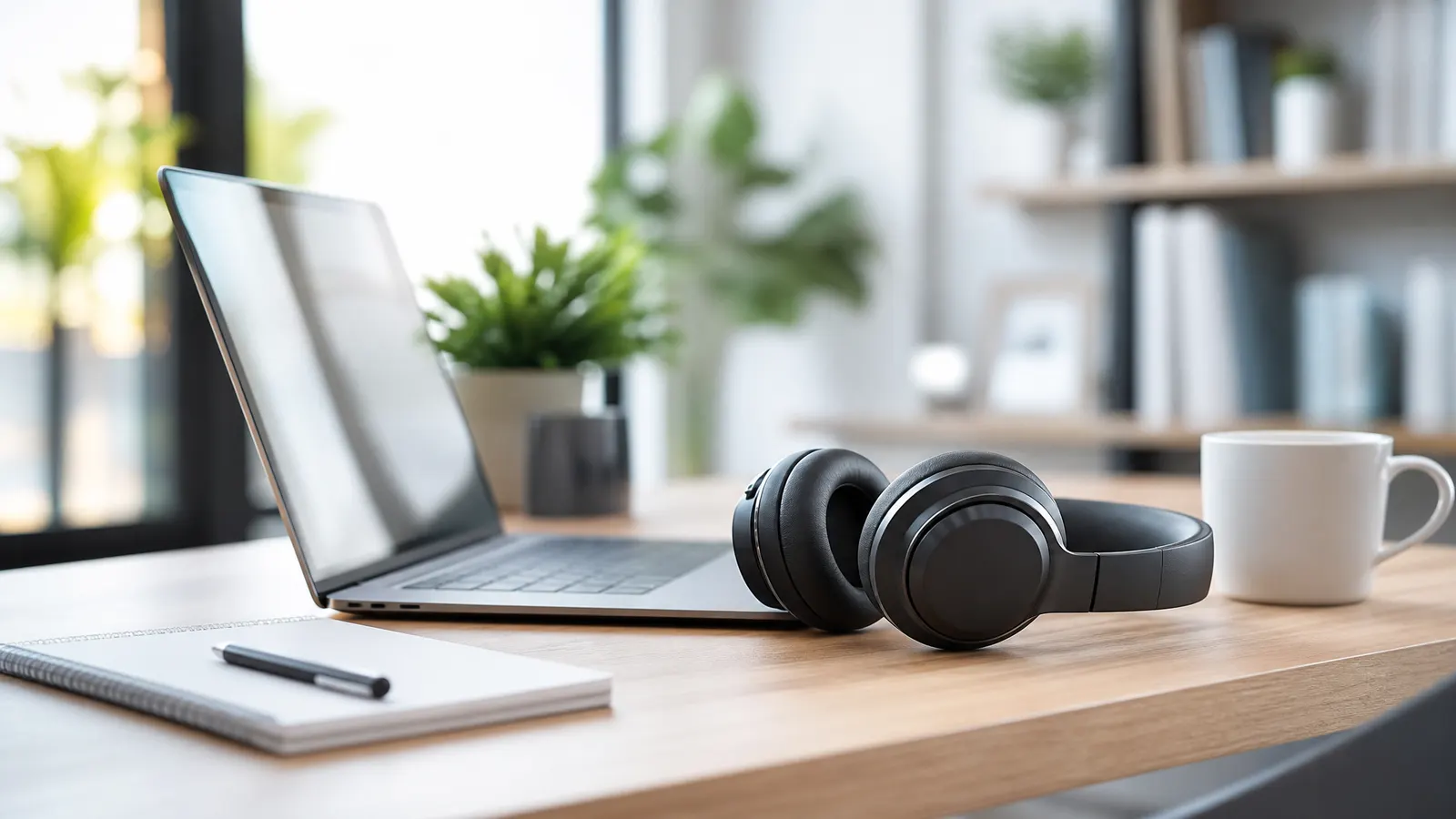
- Comfort: You'll be wearing these for hours. Over-ear designs with plush earcups and a lightweight frame are typically the most comfortable for all-day use.
- Battery Life: Aim for headphones that offer at least 20 hours of battery life with ANC turned on, so you're not constantly reaching for a charging cable.
- Connectivity: Multi-point Bluetooth pairing is a fantastic feature that allows you to connect to your computer and your phone simultaneously, making it seamless to switch between a video conference and a mobile call.
Our Top Picks for Remote Professionals in 2026
Finding the right pair can be daunting, so we've narrowed it down to a couple of excellent options that balance performance, comfort, and price.
For those seeking top-of-the-line performance, the Bose QuietComfort Ultra headphones are legendary for a reason. Their noise-cancellation is industry-leading, and the microphone array delivers exceptional voice clarity. They are an investment, but one that pays dividends in call quality and focus. You can explore them and similar models here: Bose QuietComfort Headphones.
If you're looking for a more budget-friendly option that still delivers fantastic results, the Anker Soundcore Q30 headphones are a standout choice. They offer impressive multi-mode noise cancellation and a comfortable fit for a fraction of the price of premium competitors. Their microphone quality is more than sufficient for daily calls and meetings. Find the perfect pair for your home office: Anker Soundcore Headphones.
Another excellent all-around performer is the Sony WH-1000XM5. Known for its superb sound quality and effective ANC, it's a favorite among remote workers and frequent travelers alike. Its lightweight design and long battery life make it a reliable workhorse. See the latest models here: Sony Noise-Canceling Headphones.
Investing in a great pair of noise-canceling headphones is investing in your peace of mind and your professional image. By eliminating distractions and ensuring you always sound your best, you're setting yourself up for success in any remote environment.