For most remote workers, the goal is practical continuity. When home broadband goes down, a cafe network gets crowded, or a rental has weak Wi-Fi, your hotspot should get you through the meeting, file handoff, or deadline without scrambling.
When a Portable Hotspot Makes Sense
A portable hotspot is most useful when your work depends on live calls, cloud apps, large files, remote desktops, or time-sensitive client communication. If you only answer email occasionally, your phone's built-in hotspot may be enough. If you run workshops, support customers, edit shared documents, or take client calls from changing locations, dedicated backup internet becomes much more valuable.
There are three common options. Your phone hotspot is cheapest and easiest. A dedicated mobile hotspot device is more stable for long sessions and keeps your phone battery free. A travel router with USB tethering can share your phone or hotspot connection across multiple devices, which is useful if you already carry one from our travel router guide.
The Federal Communications Commission's mobile broadband guidance is a useful starting point for understanding speeds, coverage, and plan limitations.
Data Plans and Speeds That Actually Matter
Do not shop by advertised peak speed alone. Remote work needs consistency more than bragging rights. A normal video call may use around 1-3 GB per hour depending on quality, screen sharing, and the app. Cloud backups, large design files, and system updates can burn through data much faster.
Look for these plan details before buying:
- High-speed data limit: "Unlimited" often slows down after a threshold.
- Hotspot data allowance: some phone plans separate phone data from tethering data.
- Coverage where you work: check your home, common cafes, coworking areas, and travel destinations.
- International roaming: essential for frequent travel, expensive if misunderstood.
- Device support: make sure the plan works with your phone, hotspot, or tablet.
If you mostly need emergency backup for home internet outages, a phone plan with generous hotspot data may be enough. If you work from rentals, hotels, or conferences, a dedicated 5G mobile hotspot can be easier to position near a window and leave running during long calls.
Gear for a Reliable Backup Kit
Keep the kit boring. You want the fewest moving pieces possible when your primary connection fails.
A dedicated hotspot device is the cleanest choice for long sessions. It can sit near the strongest signal, show connection status at a glance, and avoid draining your phone. Pair it with a short USB-C charging cable and a compact wall charger that stays in your work bag.
If you use your phone as the hotspot, add a small portable power bank. Hotspot mode drains batteries quickly, especially while your phone is hunting for signal. A phone stand also helps because moving the phone one foot closer to a window can improve stability more than people expect.
For multi-device setups, a USB tethering travel router can share one mobile connection with your laptop, tablet, and spare phone. That is useful in hotels and temporary offices, but test it at home first. The middle of a client call is the wrong time to learn a router dashboard.
Setup Checklist Before You Need It
Set up your hotspot like emergency gear. Configure it while your main internet is working, then run a realistic test.
First, rename the hotspot network and use a strong password. Avoid obvious names that identify you, your company, or your apartment. Save the network details in your password manager.
Next, connect your laptop and open the apps you actually use: video meetings, Slack or Teams, cloud storage, project management, VPN, and browser tabs. Join a test call, share your screen, and upload a medium-size file. If your work VPN blocks mobile networks or behaves oddly, find out now.
Then create a simple failover routine. For example: switch Wi-Fi to hotspot, pause cloud backups, close streaming tabs, turn video off if needed, and message the meeting that you are changing connections. A 30-second routine is better than five minutes of improvising.
Security and Practical Limits
Your hotspot is usually safer than random public Wi-Fi, but it is not magic. Use a strong password, update device firmware, and avoid leaving the hotspot open all day in crowded spaces. If your company requires a VPN, use it. If your work involves private data, combine hotspot use with a laptop privacy screen and sensible notification settings.
Also know the limits. Mobile networks can slow down during local congestion, storms, events, or poor indoor coverage. Hotspots can overheat in direct sun. Some carriers throttle after heavy use. Treat your hotspot as a strong backup, not a guarantee.
FAQ
Is a phone hotspot good enough for remote work?
Yes, for occasional backup use. If you only need to cover short outages or light travel, your phone hotspot may be enough. A dedicated hotspot is better for long calls, frequent travel, and keeping your phone battery available.
How much hotspot data do remote workers need?
For light email and documents, 10-20 GB may be fine. For regular video calls, screen sharing, and cloud apps, 50 GB or more is safer. Heavy file work can exceed that quickly, so monitor usage during a normal week.
Can I use a portable hotspot for Zoom calls?
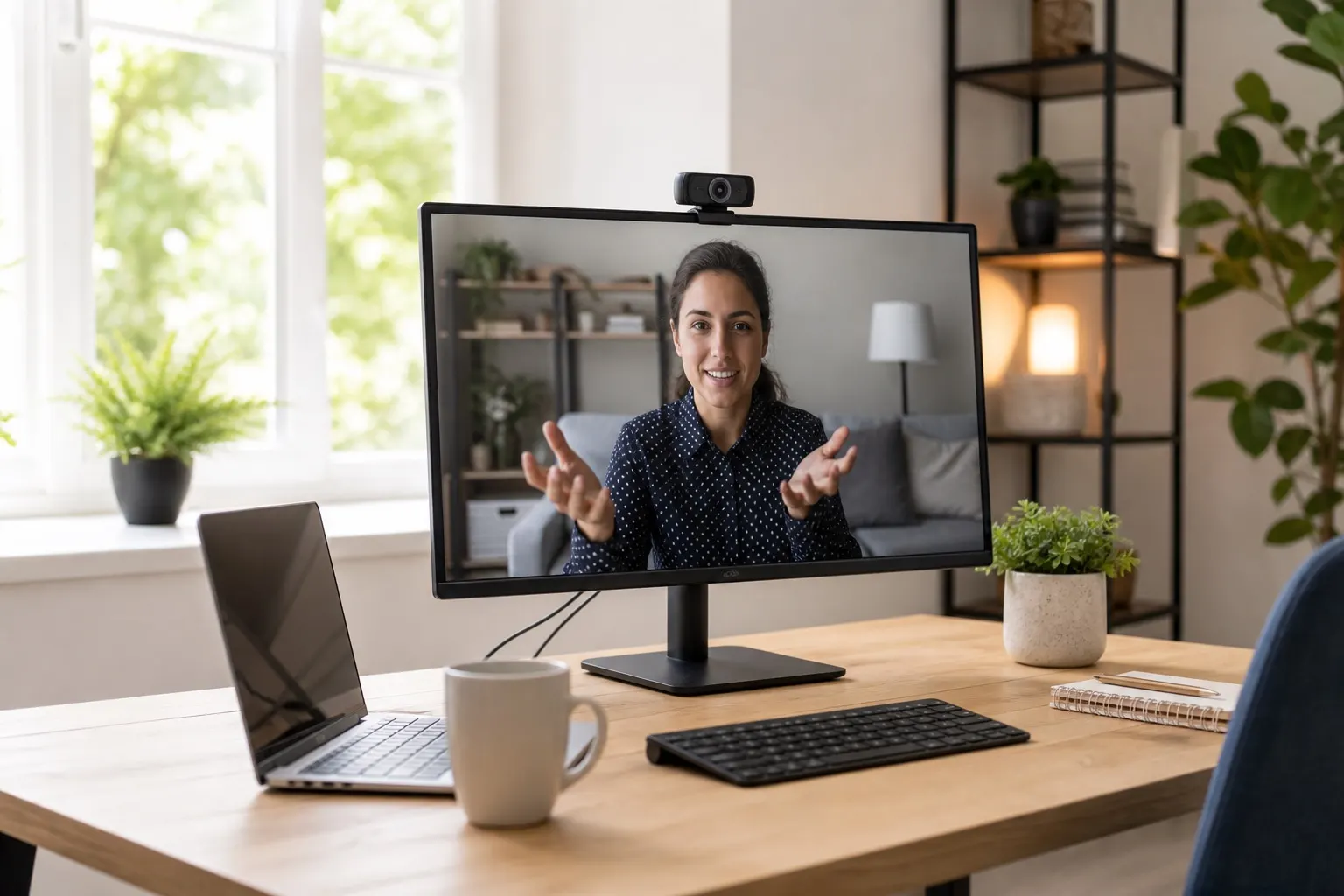
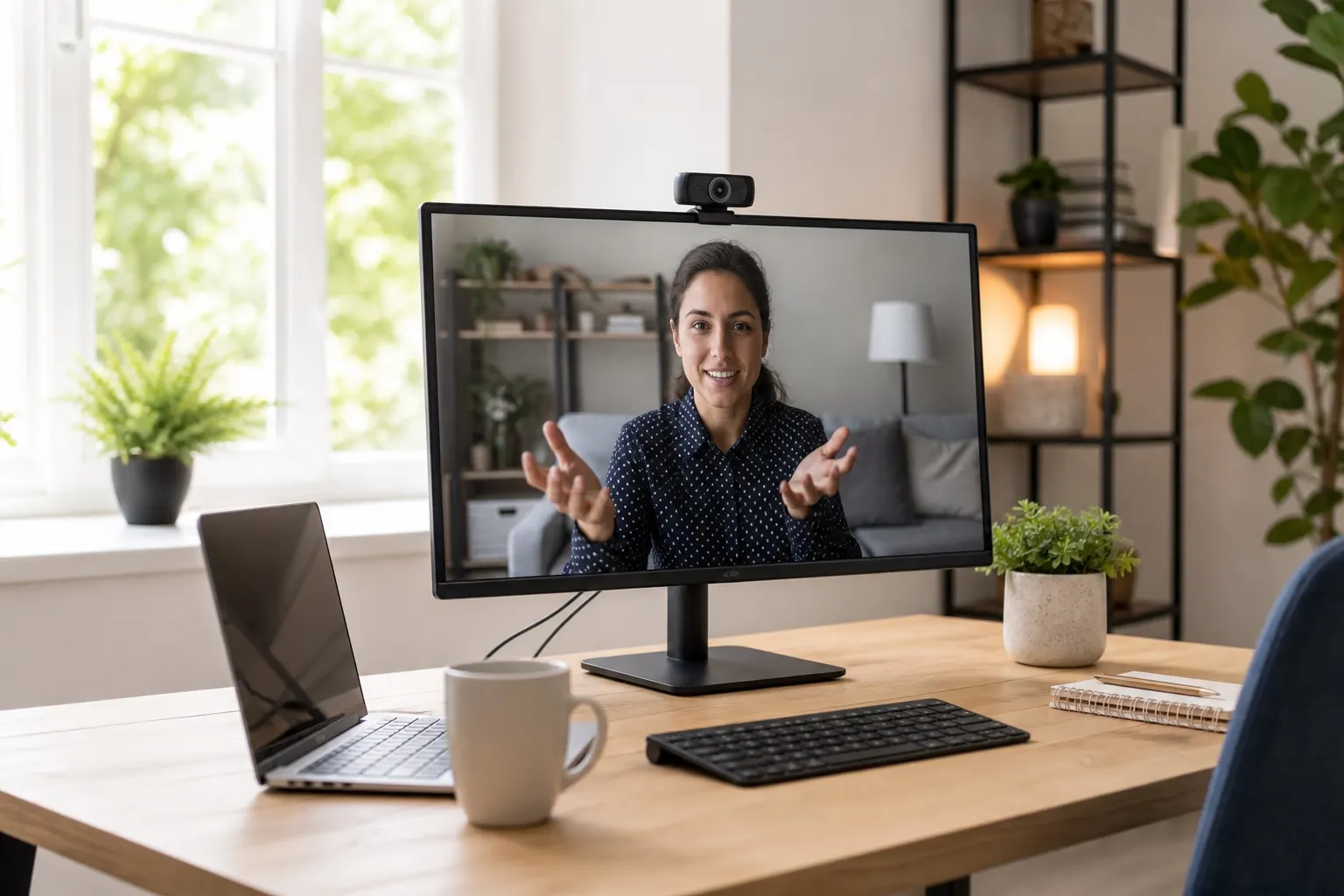
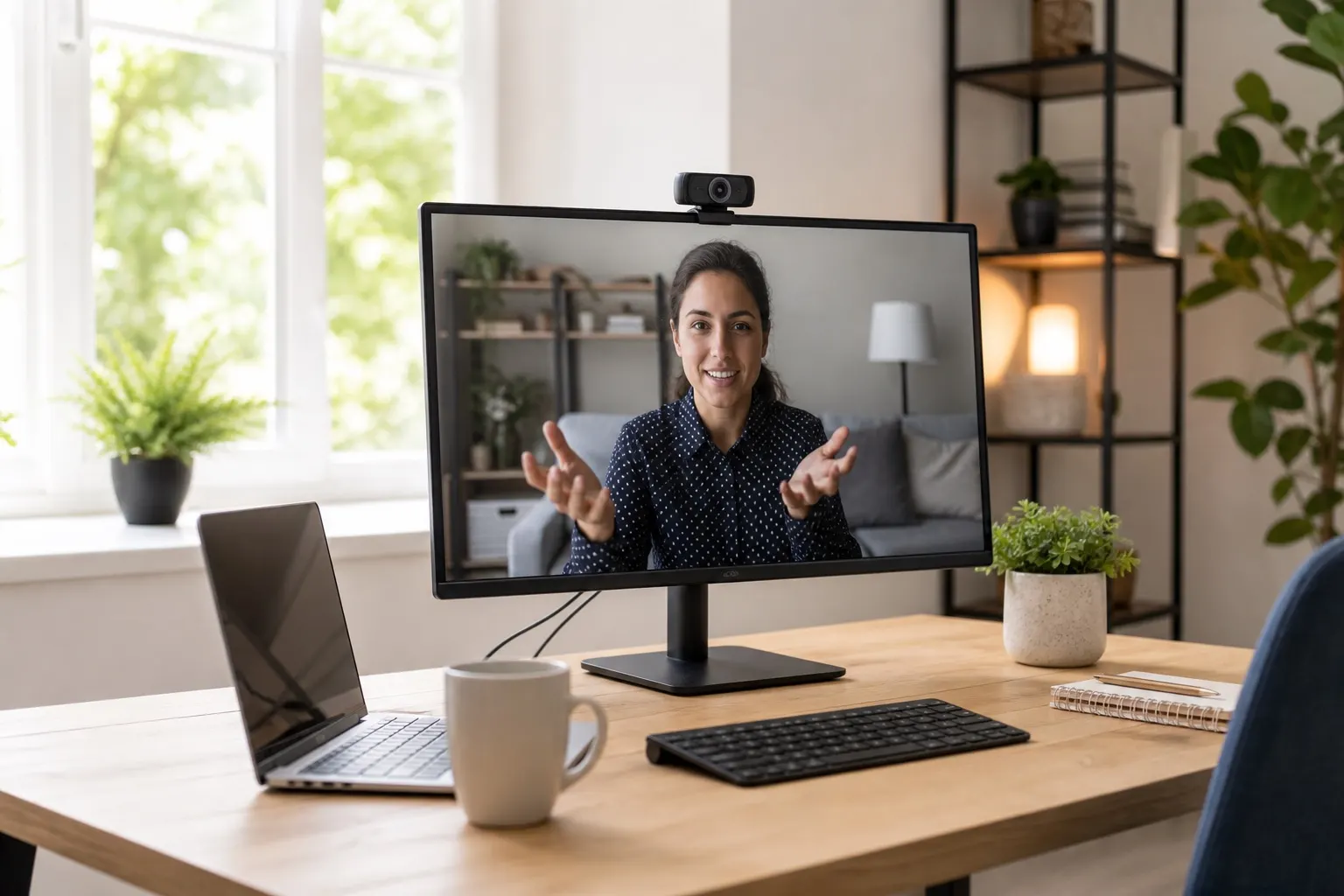
Yes, if the signal is strong and the network is not congested. Test from your usual workspace, keep the hotspot near a window, close bandwidth-heavy apps, and lower video quality when the connection starts to wobble.
Bottom Line
A portable hotspot is not glamorous, but it gives remote workers breathing room. The right setup lets you survive home internet outages, weak rentals, crowded cafes, and awkward travel days with less panic. Buy enough data, test the gear before you need it, and keep the routine simple.