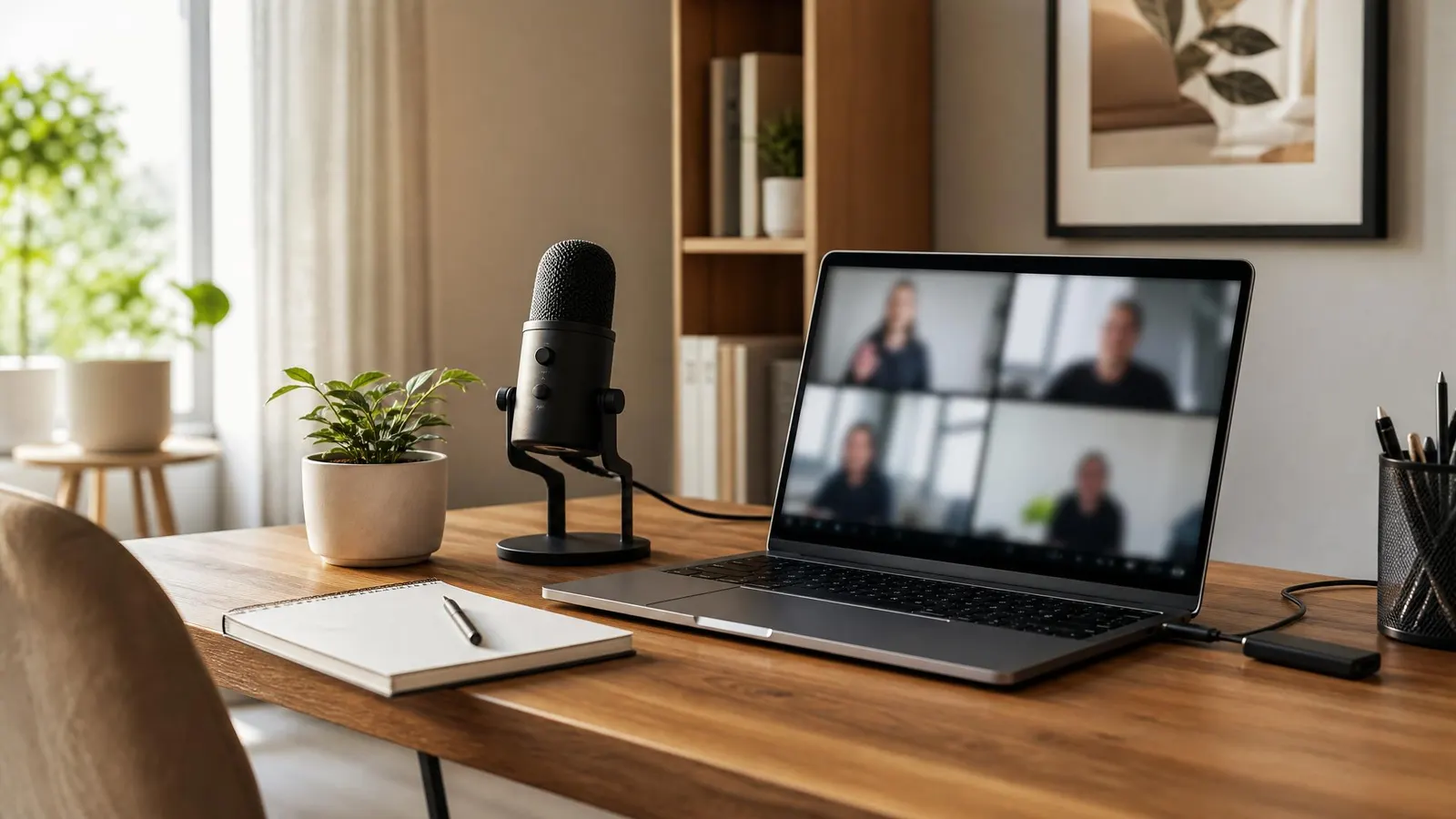
Clear audio makes remote work feel easier. The best USB microphones for remote work plug straight into your laptop, cut down on muffled speech, and make you sound more confident on Zoom, Teams, and Google Meet without a complicated recording setup.
This post contains affiliate links. We may earn a small commission at no extra cost to you. TL;DR: Most remote workers should start with a compact dynamic USB mic like the Samson Q2U or Audio-Technica ATR2100x-USB. They reject more room noise than big condenser mics, sit neatly beside a keyboard, and cost far less than a full podcast rig.Why a USB Microphone Beats Laptop Audio
Laptop microphones are built for convenience, not clarity. They sit far from your mouth, pick up keyboard taps, and often make voices sound thin or echoey. A USB microphone fixes the biggest problem first: distance. When the mic is closer to your voice, call software has a cleaner signal to work with.
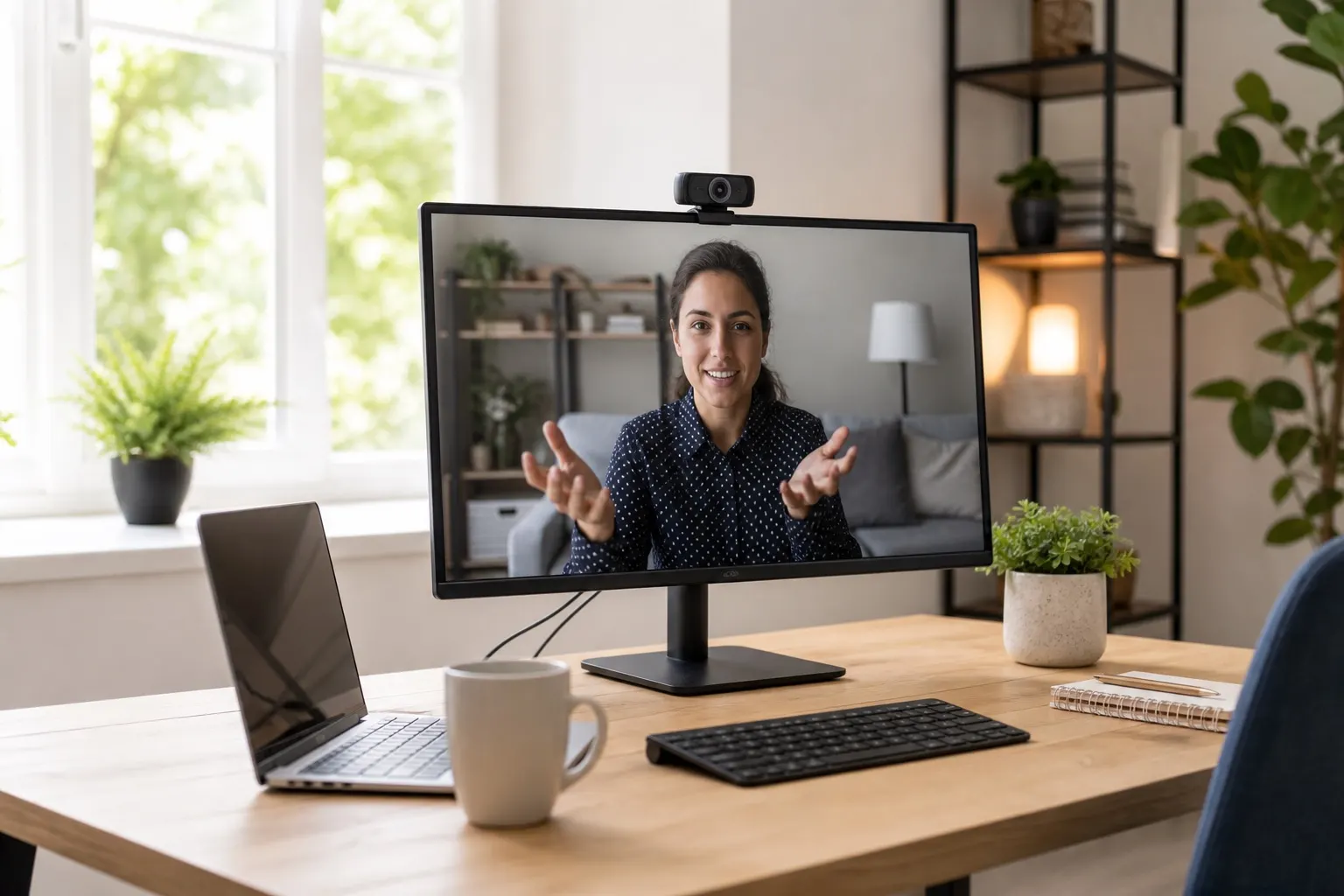
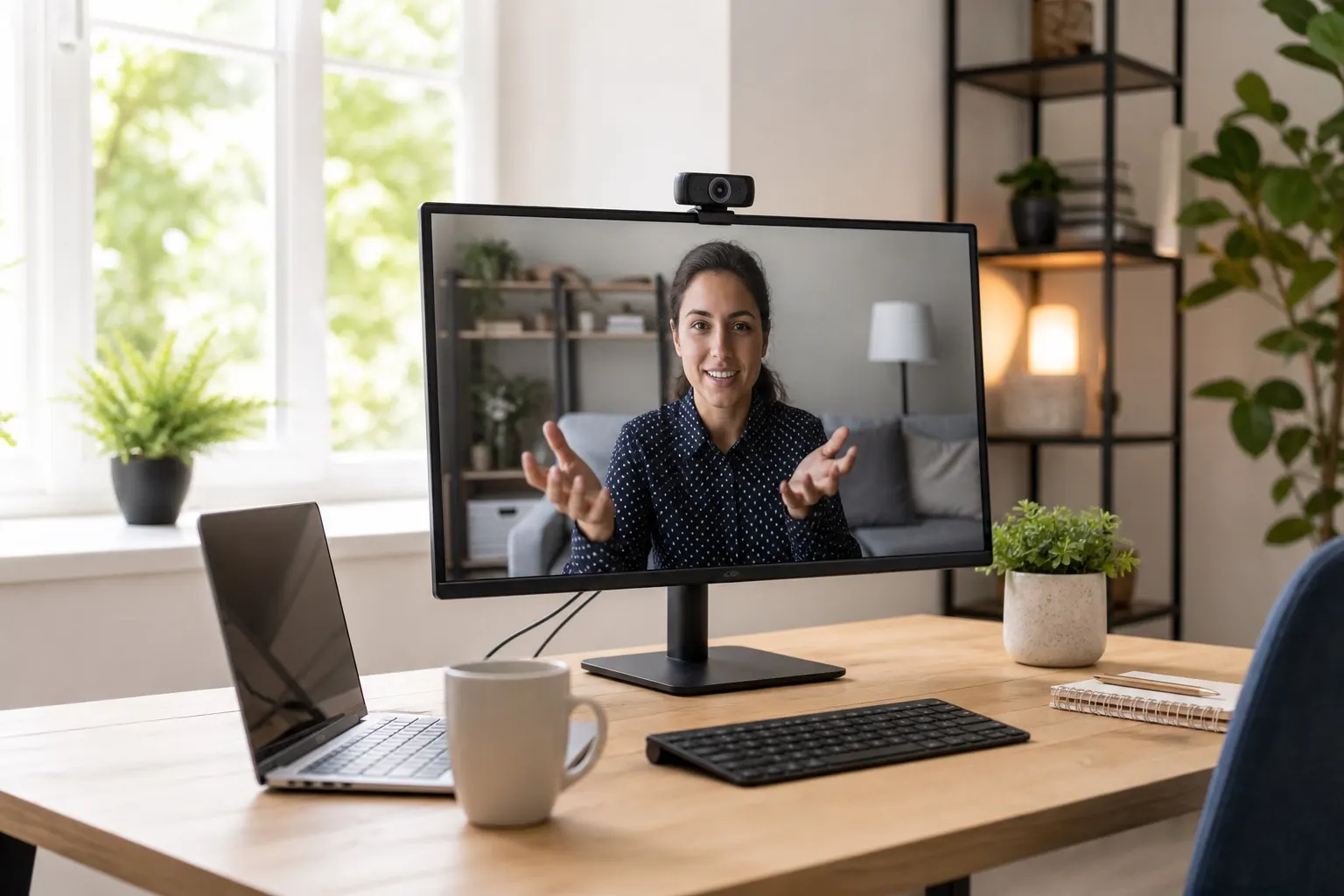
That matters more than most people expect. A sharp webcam helps people see you, but clear audio keeps meetings moving. If your camera is already handled, pair it with a better mic and a simple webcam under $100 setup for a much more polished call presence.
The key is choosing the right style. For everyday remote work, smaller and less sensitive is usually better than studio-looking and oversized.
Best USB Microphones for Remote Workers
These picks focus on work calls first: plug-and-play setup, desk-friendly size, voice clarity, and reasonable noise rejection.
Samson Q2U: Best Overall Value
The Samson Q2U is a practical favorite because it is a dynamic microphone with both USB and XLR connections. For remote workers, that means you can plug it directly into a laptop today and still have room to upgrade later.
Dynamic mics are less sensitive than many condenser mics, which is helpful in apartments, shared homes, and rooms with hard surfaces. The Q2U also includes basic accessories in many bundles, so you can start without buying a separate arm immediately.
Samson Q2U USB/XLR MicrophoneAudio-Technica ATR2100x-USB: Best Durable Pick
The Audio-Technica ATR2100x-USB is similar in spirit to the Q2U but feels a bit more premium. It is a strong choice if you want a sturdy mic that can survive daily use, travel, or being moved between a desk and a meeting room.
It uses USB-C, includes headphone monitoring, and keeps your voice focused without grabbing every sound in the room. If you speak on client calls, record Loom videos, or host webinars, this is the safest long-term pick.
Audio-Technica ATR2100x-USB MicrophoneFIFINE K688: Best Budget Broadcast Sound
The FIFINE K688 is a budget-friendly dynamic USB mic with a more modern broadcast look. It gives remote workers a warmer, fuller sound than most laptop mics, and the onboard controls make it easy to mute or adjust gain without digging through meeting settings.
It is not as established as the Audio-Technica options, but it is a strong value if you want better call audio and a clean desk setup without spending over $100.
FIFINE K688 Dynamic USB MicrophoneHow to Choose the Right Mic for Your Desk
Start with your room, not the spec sheet. If you work in a quiet, treated room, a condenser USB mic can sound crisp and open. If you work near traffic, family noise, HVAC hum, or a clicky keyboard, a dynamic mic is usually easier to manage.
Look for these features:
- USB-C or reliable USB-A connection: Avoid fragile adapters when possible.
- Physical mute button: Useful when calls move fast.
- Headphone jack: Lets you monitor your own sound and avoid surprises.
- Small stand or boom arm compatibility: Mic placement matters more than brand.
- Cardioid pickup pattern: Focuses on your voice from the front.
For placement, keep the mic 6-10 inches from your mouth and slightly off to the side so you are not breathing directly into it. According to Zoom's audio testing guidance, checking your speaker and microphone before a meeting is a simple way to catch input problems before everyone else hears them.
Setup Tips That Make Any USB Mic Sound Better
A good mic can still sound bad if it is too far away. Move it closer before you buy accessories. If the mic sits next to your keyboard, it will hear typing. If it sits near your mouth, it will hear you.
Use a small desktop stand if you only take occasional calls. Use a boom arm if you spend half the day in meetings, because it lets you pull the mic close during calls and push it away when you need desk space. A basic foam windscreen or pop filter also helps soften harsh "p" and "b" sounds.
Finally, set your meeting app to use the USB mic explicitly. Many laptops switch back to the built-in microphone after unplugging gear or joining a new dock. Do a five-second test before important calls.
FAQ
What is the best USB microphone for remote work calls?
The Samson Q2U is the best overall USB microphone for most remote workers because it is affordable, simple to use, and better at rejecting room noise than many sensitive condenser mics.
Is a USB microphone better than a headset mic?
A USB microphone usually sounds fuller and more natural than a headset mic, but a headset is better if you need maximum noise isolation. For quiet home offices, a USB mic is the more polished choice.
Do I need a boom arm for remote work?
You do not need a boom arm, but it helps. The main benefit is positioning: a boom arm keeps the mic close to your mouth without taking over the desk, which improves clarity on every call.