Setting up your first home office can feel daunting, especially when you see elaborate setups online. The good news? You don't need a four-figure budget to create a comfortable, productive, and ergonomic workspace. With a bit of smart shopping, you can assemble a fantastic setup with all the essential tech for under $500.
This post contains affiliate links. We may earn a small commission at no extra cost to you.This guide will walk you through the key components of a budget-friendly home office that prioritizes your health and productivity without breaking the bank.
The Foundation: Your Chair and Desk
Before we even get to the tech, let's talk about where you'll be spending most of your day. While you can often start with a dining table, investing in a dedicated chair is non-negotiable for your long-term health.
Your back will thank you for getting a proper seat. You don't need a luxury brand to get good support. Look for an ergonomic office chair with adjustable height, armrests, and lumbar support. You can find excellent, well-reviewed options for around $100-$150. This is the single most important investment in your home office.
The Centerpiece: A Quality Monitor
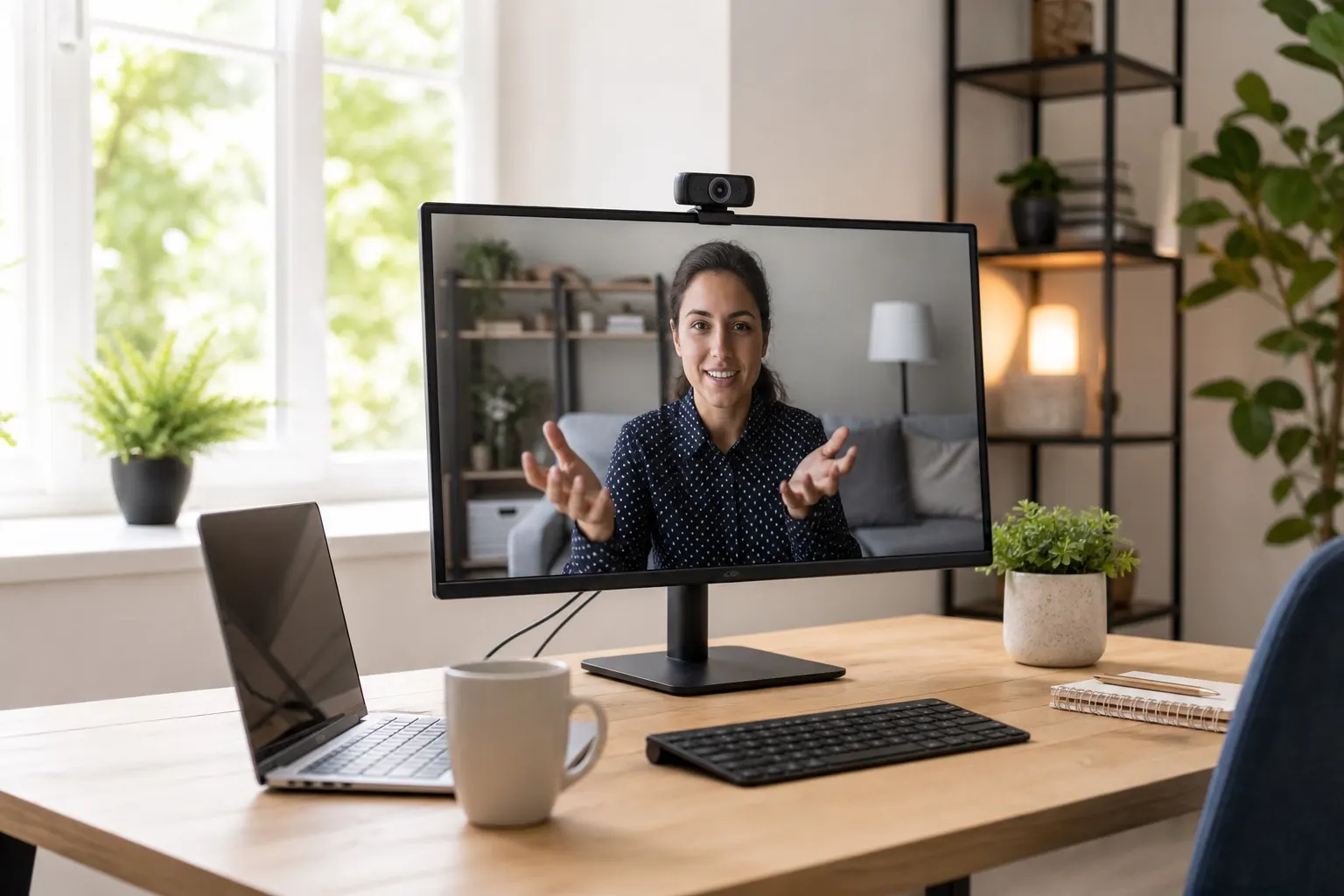
Hunching over a laptop screen for eight hours a day is a recipe for neck and eye strain. An external monitor is an absolute game-changer, allowing you to position your screen at the proper ergonomic height.
For a budget setup, a 24-inch 1080p monitor is the sweet spot. It provides ample screen real estate for multitasking without costing a fortune. You can find a reliable 24-inch 1080p monitor from a reputable brand for about $100. This simple addition elevates your workspace from a temporary solution to a professional-grade setup.
The Essentials: Keyboard and Mouse
Your laptop's keyboard and trackpad are fine for working on the go, but for a permanent setup, external peripherals are a must. A full-size keyboard is more comfortable for long typing sessions, and a dedicated mouse offers better precision and ergonomics.
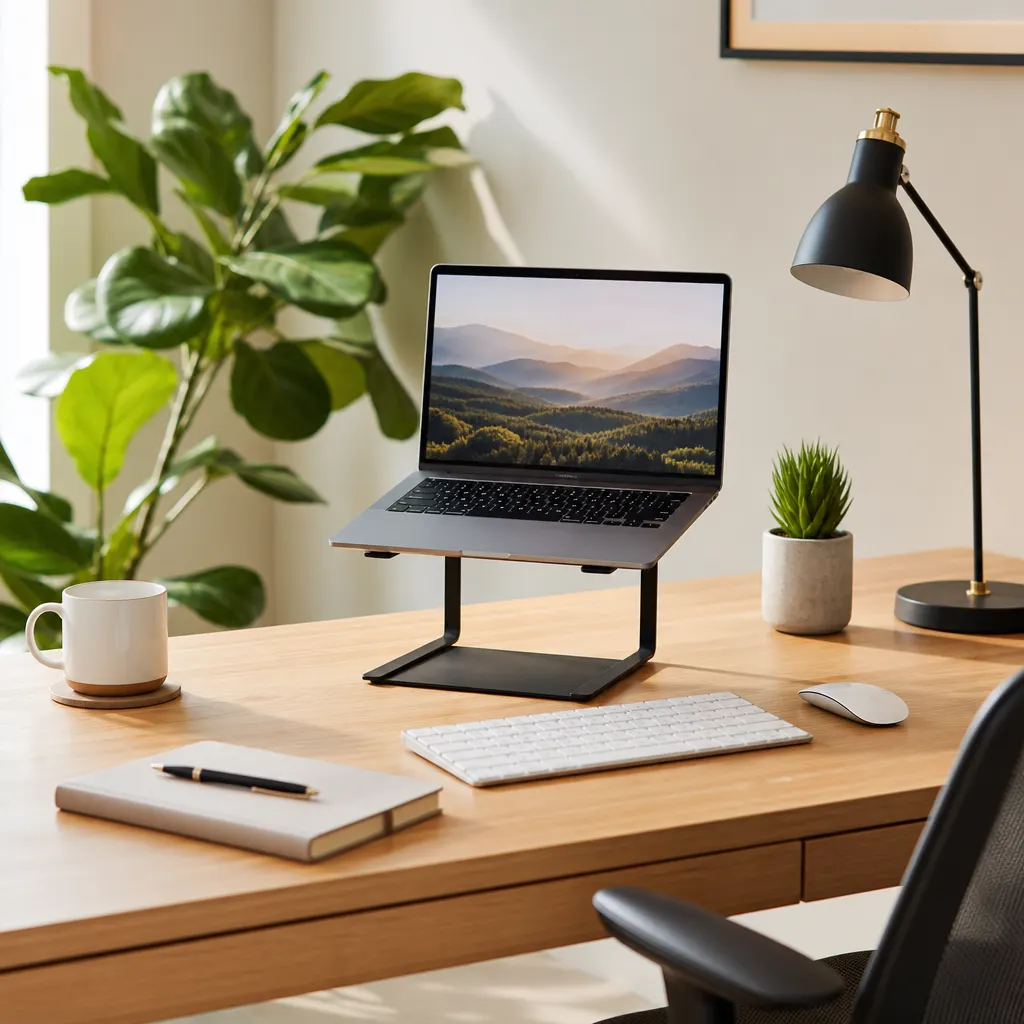
A wireless keyboard and mouse combo can be found for under $40. This keeps your desk tidy and free of cable clutter.
Sound and Security: Headphones and a VPN
Working from home often means dealing with distractions—roommates, family, pets, or noisy neighbors. A good pair of noise-canceling headphones is essential for focus. They help you tune out the world during deep work sessions and ensure you sound crystal clear on work calls. You can find solid over-ear options for $60-$80.
Finally, let's talk digital security. When you work remotely, you're often connecting to different Wi-Fi networks. A Virtual Private Network (VPN) is crucial for protecting your data and your company's information. A service like NordVPN encrypts your internet connection, keeping your online activity private and secure, whether you're at home or working from a cafe. A yearly subscription often breaks down to just a few dollars a month.
The Tally:
- Ergonomic Chair: ~$125
- 24" Monitor: ~$100
- Keyboard/Mouse Combo: ~$40
- Noise-Canceling Headphones: ~$75
- VPN Subscription (1 year): ~$60
- Total: ~$400
With a smart and targeted approach, you can build a highly effective home office for well under $500. This leaves you with a buffer for other essentials like a good lamp, a monitor stand, or some cable management solutions. Prioritize ergonomics and core functionality, and you'll create a workspace that sets you up for success.