If you've been working from home for more than a few months, you've probably noticed the toll that sitting all day takes on your back, neck, and energy levels. A full standing desk sounds great in theory — but if your home office is a corner of the bedroom or a nook in the living room, a massive motorised desk isn't happening.
This post contains affiliate links. We may earn a small commission at no extra cost to you.That's where standing desk converters come in. These sit-on-top-of-your-existing-desk units let you switch between sitting and standing without replacing any furniture or drilling holes in the wall. They fold flat when you're done, and most take up less than 70cm of desk space.
Here's what to look for and which ones are worth your money.
Why Bother Standing at All?
Let's get the obvious out of the way: standing all day isn't the goal. The real benefit comes from alternating between sitting and standing throughout the day. Research consistently shows that breaking up long sitting periods reduces lower back pain, improves circulation, and can boost afternoon focus — exactly when most remote workers hit their slump.
You don't need to stand for hours. Even 15–20 minutes per hour makes a measurable difference. A good converter makes that switch effortless, which is the whole point.
What to Look for in a Standing Desk Converter
Height range. You want something that adjusts high enough for your elbows to rest at a 90-degree angle when typing. For most people, that means at least 40cm of lift. If you're over 180cm tall, look for converters with 45cm+ range. Keyboard tray. The best converters have a separate lower tier for your keyboard and mouse. Without one, your wrists end up at an awkward angle — which defeats the ergonomic purpose entirely. Stability. Cheap converters wobble when you type. If you're on video calls regularly, that wobble translates to a shaky camera. Look for models with a solid gas-spring or hydraulic lift mechanism. Footprint. Measure your actual desk before buying. A converter that hangs over the edge is a disaster waiting to happen. Most quality options need about 60–80cm of width.Top Picks for Small Spaces
1. The Gas-Spring X-Frame Converter
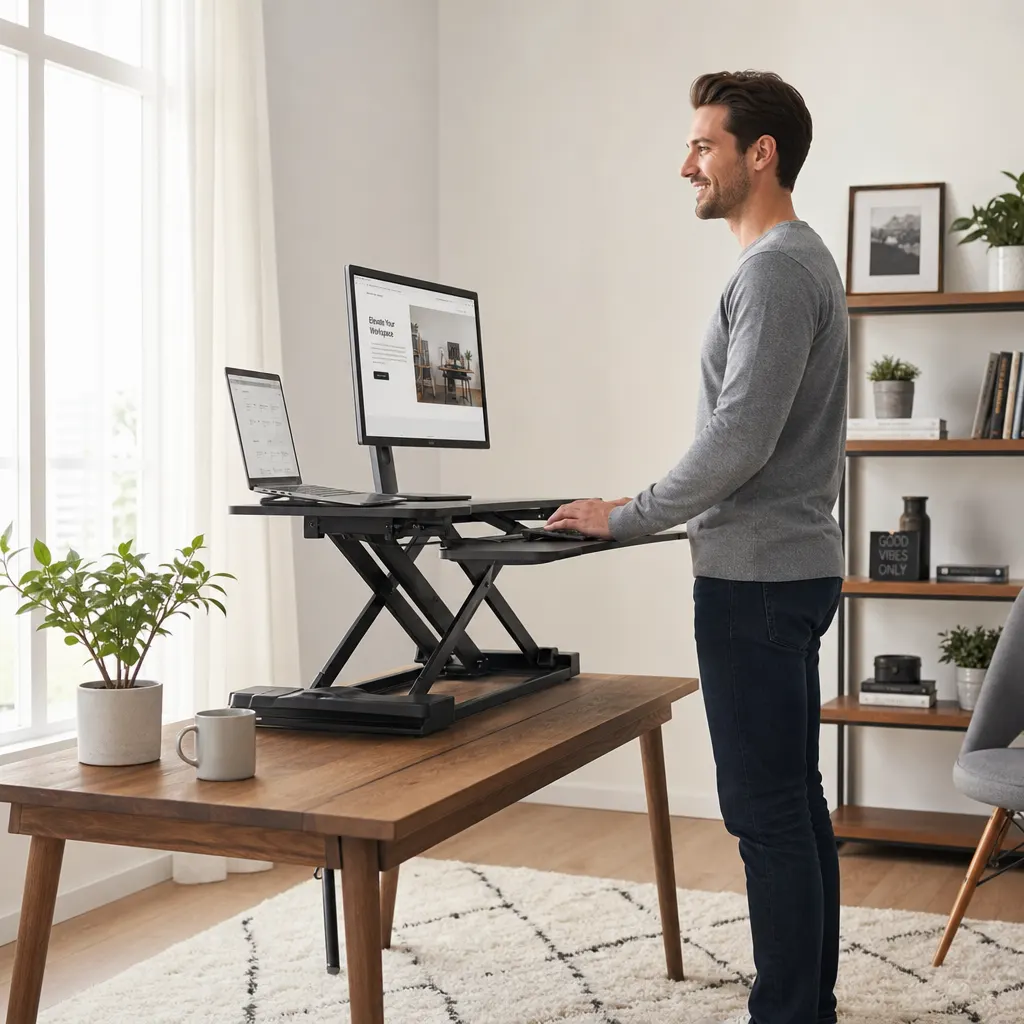
The most popular design for good reason. These use a scissor-style X-frame with a gas spring that lets you adjust height by squeezing a handle. They're smooth, stable, and most fold down to about 10cm tall when not in use.
Look for one with a built-in keyboard tray and at least 75cm of surface width. The FLEXISPOT standing desk converters on Amazon are consistently well-reviewed and come in several sizes to match tight spaces.
Best for: Most people. Reliable, affordable, and fits on standard desks.2. The Z-Lift Compact Converter
If your desk is truly tiny — think 60cm deep or less — a Z-lift design might work better. These use a single vertical column that rises straight up, taking less depth than an X-frame. The trade-off is usually a smaller work surface, so they're best if you primarily use a laptop.
Best for: Ultra-small desks, laptop-only setups.3. The Portable Laptop Riser
Not technically a full converter, but worth mentioning. If you move between rooms, work from the kitchen table, or hot-desk at a coworking space, a portable laptop riser with height adjustability is hard to beat. Pair it with a separate ergonomic keyboard and mouse combo and you've got a standing setup that fits in a bag.
Best for: Digital nomads, multi-room workers, anyone who doesn't have a dedicated office.Pairing Your Converter with the Right Accessories
A standing desk converter on its own is good. With the right accessories, it's significantly better.
Anti-fatigue mat. Standing on a hard floor gets uncomfortable fast. A cushioned mat makes a dramatic difference — most people can stand 50% longer with one. You can find solid anti-fatigue standing desk mats on Amazon for under £30. Monitor arm. If you use an external monitor, a clamp-on monitor arm frees up desk space and lets you position the screen at the right height for both sitting and standing. This is especially useful with converters since the monitor rises with the platform. Cable management. Standing converters move up and down, which means your cables need slack. A simple cable tray or velcro ties keep things from getting tangled or yanking plugs out of the wall.How to Build the Standing Habit
Here's a realistic approach that actually sticks:
Week 1: Stand for 10 minutes after lunch. That's it. Just get used to the converter. Week 2: Add a second standing block mid-morning. Two 15-minute sessions. Week 3: Try 20 minutes standing, 40 minutes sitting, alternating through your work day. Ongoing: Find your own rhythm. Some people love standing during calls but sitting for deep work. Others stand all morning and sit all afternoon. There's no single right answer — the best pattern is whichever one you actually maintain.The Bottom Line
A standing desk converter is one of the highest-impact, lowest-commitment upgrades you can make to a small home office. You don't need to spend a fortune, you don't need to assemble flat-pack furniture, and you can start using one the day it arrives.
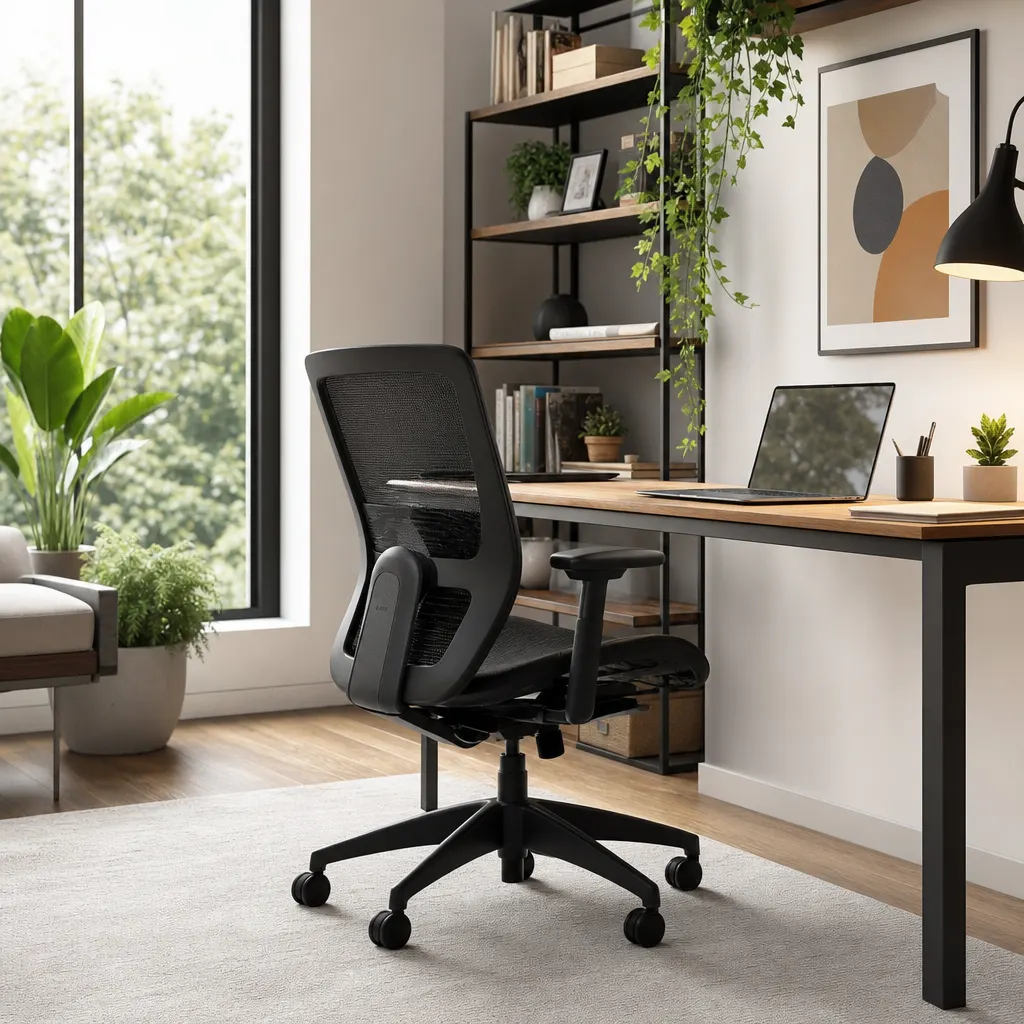
For most remote workers on a budget, an X-frame gas-spring model in the 75cm width range hits the sweet spot between price, stability, and space efficiency. Pair it with a good ergonomic chair for the sitting portions and an anti-fatigue mat for standing, and your body will thank you within the first week.
Your back didn't sign up for eight hours of sitting. Give it an alternative.