A hotel desk is rarely designed for eight hours of focused work. The chair may be too low, the outlet may be behind the bed, and the Wi-Fi may collapse right before a call. The fix is not packing an entire home office. The fix is a small kit that turns almost any room into a usable work zone in ten minutes.
Start With Internet You Can Trust
Hotel Wi-Fi is unpredictable because everyone shares it. Speed can be fine at 2 p.m. and miserable after dinner. Before you unpack everything, run a speed test, join a short test call, and check whether your VPN connects cleanly.
If the network is weak, move closer to the room door or window. It sounds crude, but hotel access points are often in hallways. A small change in placement can make a real difference.
Remote workers who travel often should consider a pocket router. It can create one private network for your laptop, phone, and tablet, and it can simplify awkward captive portal logins. Our travel router for remote work guide covers when that gear is worth packing.
For most people, the backup plan matters more than the primary plan. Know your phone hotspot limit, keep your charger nearby, and save any meeting dial-in numbers before the call starts. The FTC's public Wi-Fi guidance is also worth reviewing if you work with client, finance, or account data from shared networks.
Pack a Tiny Ergonomic Kit
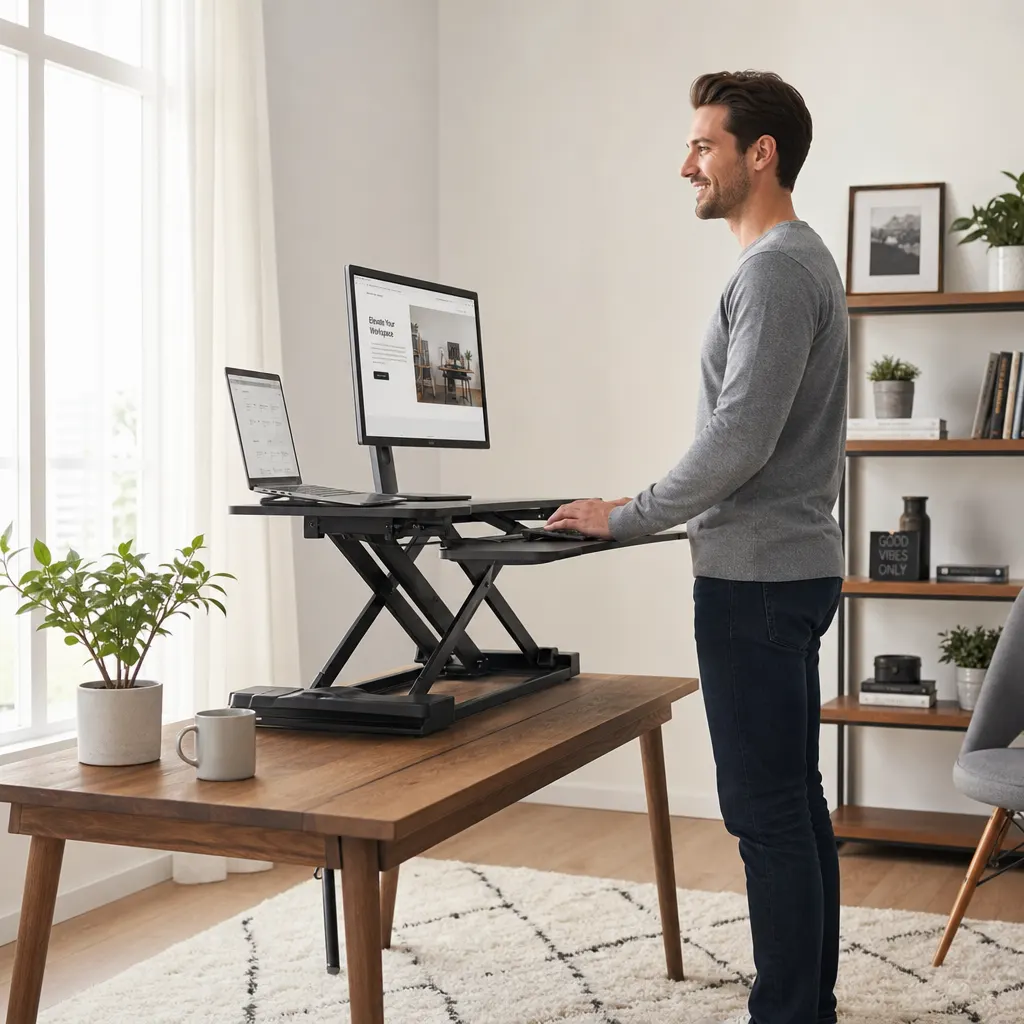
The biggest hotel-room mistake is working directly on a laptop all day. It forces your neck down, your shoulders forward, and your wrists into a cramped position. A small ergonomic kit fixes most of that without taking over your bag.
Start with a folding laptop stand. It should be light, stable, and tall enough to bring the top of your screen near eye level. Once the laptop is raised, add a compact Bluetooth keyboard and mouse. This combination does more for comfort than almost any expensive travel gadget. For longer writing days, compare low-profile and compact options in the ergonomic keyboard guide for remote workers before you pack a random spare board.
If you need a second screen, choose carefully. A portable monitor is useful for spreadsheets, design reviews, and coding, but it adds weight, cables, and setup time. The digital nomad portable monitor setup guide explains what to check before packing one. If your work is mostly writing, email, research, or calls, a single raised laptop screen may be enough.
Do not ignore the chair. If the hotel chair is too low, sit on a folded towel. If it is too deep, put a pillow behind your back. These are not elegant fixes, but they are effective.
Make Video Calls Look Intentional
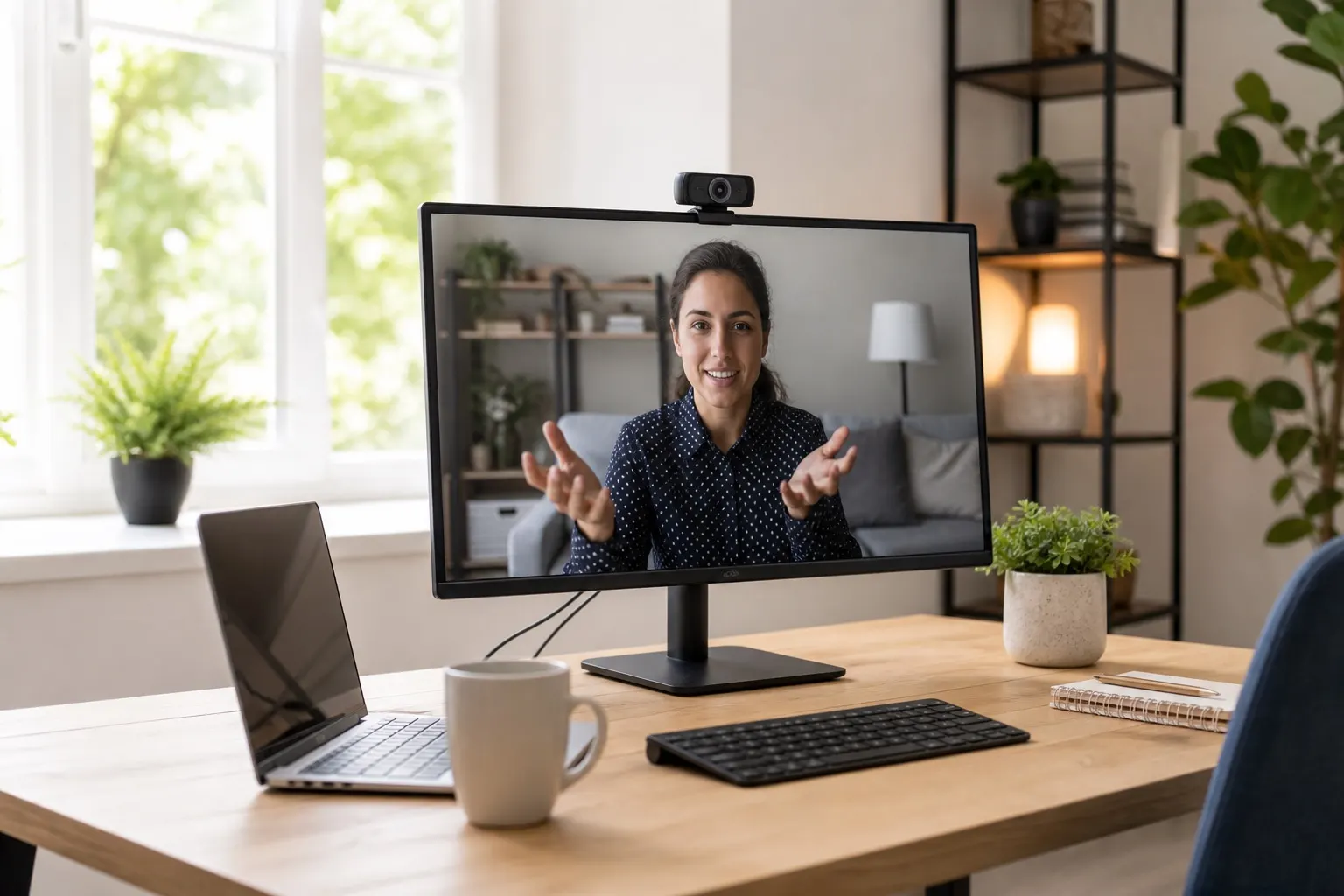
Hotel lighting is usually overhead, warm, and unflattering. The simplest improvement is to face a window during daytime calls. Put the laptop on the desk, angle your body toward the natural light, and avoid sitting with the window behind you.
For evening calls, pack a small clip-on or desk LED video light. Look for adjustable brightness and color temperature. You do not need a huge ring light; you need soft light aimed at your face instead of a ceiling fixture aimed at your head.
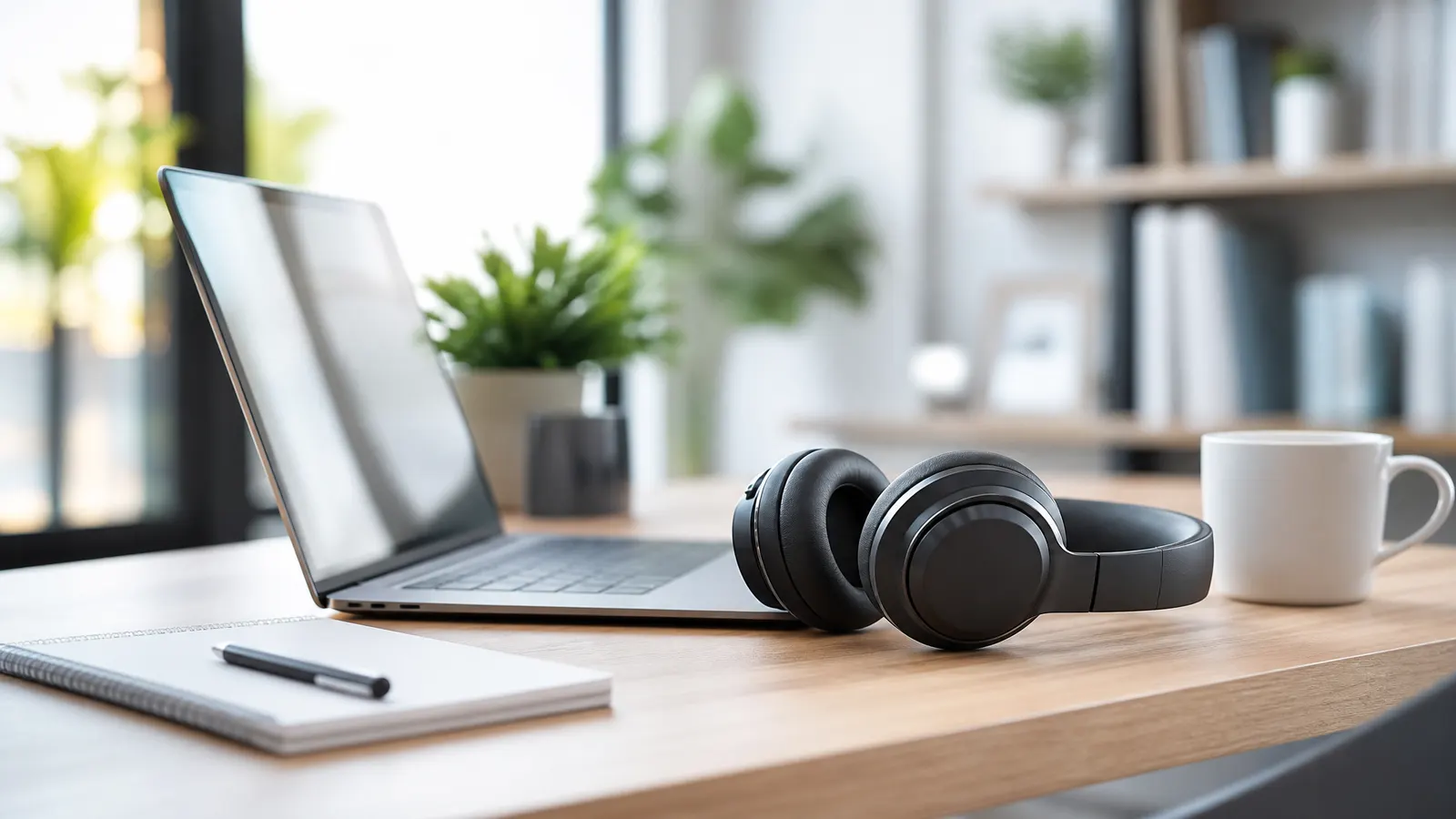
Audio matters even more. Hotel rooms echo, hallways are noisy, and air conditioners kick on at the worst moments. A reliable pair of earbuds with a decent mic is fine for most calls. If you present often, a lightweight USB headset is more consistent.
Before an important meeting, check the background. Move laundry, luggage, and room service trays out of frame. A plain wall, curtain, or closed closet door usually looks better than a busy bed-and-bag scene.
Build a Power and Cable Routine
Power is where hotel setups get messy. Pack one strong USB-C charger, a long USB-C cable, a small extension cord if your travel rules allow it, and a compact hub with HDMI and USB-A if you use external accessories.
A long cable is not optional. Hotel outlets are rarely where you want them. A 10-foot USB-C charging cable lets you work from the desk, bed, or lounge chair without rearranging furniture.
Keep the whole kit in one pouch: charger, cables, earbuds, mouse, hub, and any adapters. The goal is boring repeatability. When you arrive tired, you should not have to remember which pocket holds the HDMI adapter or whether the mouse is still in yesterday's coworking bag.
FAQ
What is the minimum hotel room office setup?
At minimum, pack a laptop stand, compact keyboard, mouse, earbuds, charger, long cable, and hotspot-ready phone. That covers posture, audio, power, and backup internet without much bulk.
Is a portable monitor worth it for hotel work?
It depends on your work. A portable monitor is worth it for spreadsheets, dashboards, coding, design, and multitasking-heavy jobs. For writing, email, and calls, a raised laptop plus keyboard is usually enough.
How do I make hotel Wi-Fi safer for remote work?
Use your company VPN when required, avoid sensitive work on unknown networks when possible, enable two-factor authentication, and keep your devices updated. For frequent travel, a router-level VPN setup can make protection easier across multiple devices.
Bottom line: A good hotel room office setup is not about carrying more gear. It is about carrying the right small pieces every time. Raise the screen, separate the keyboard, improve the light, control the cables, and prepare a backup connection. Do that, and most hotel rooms become workable enough for real remote work.