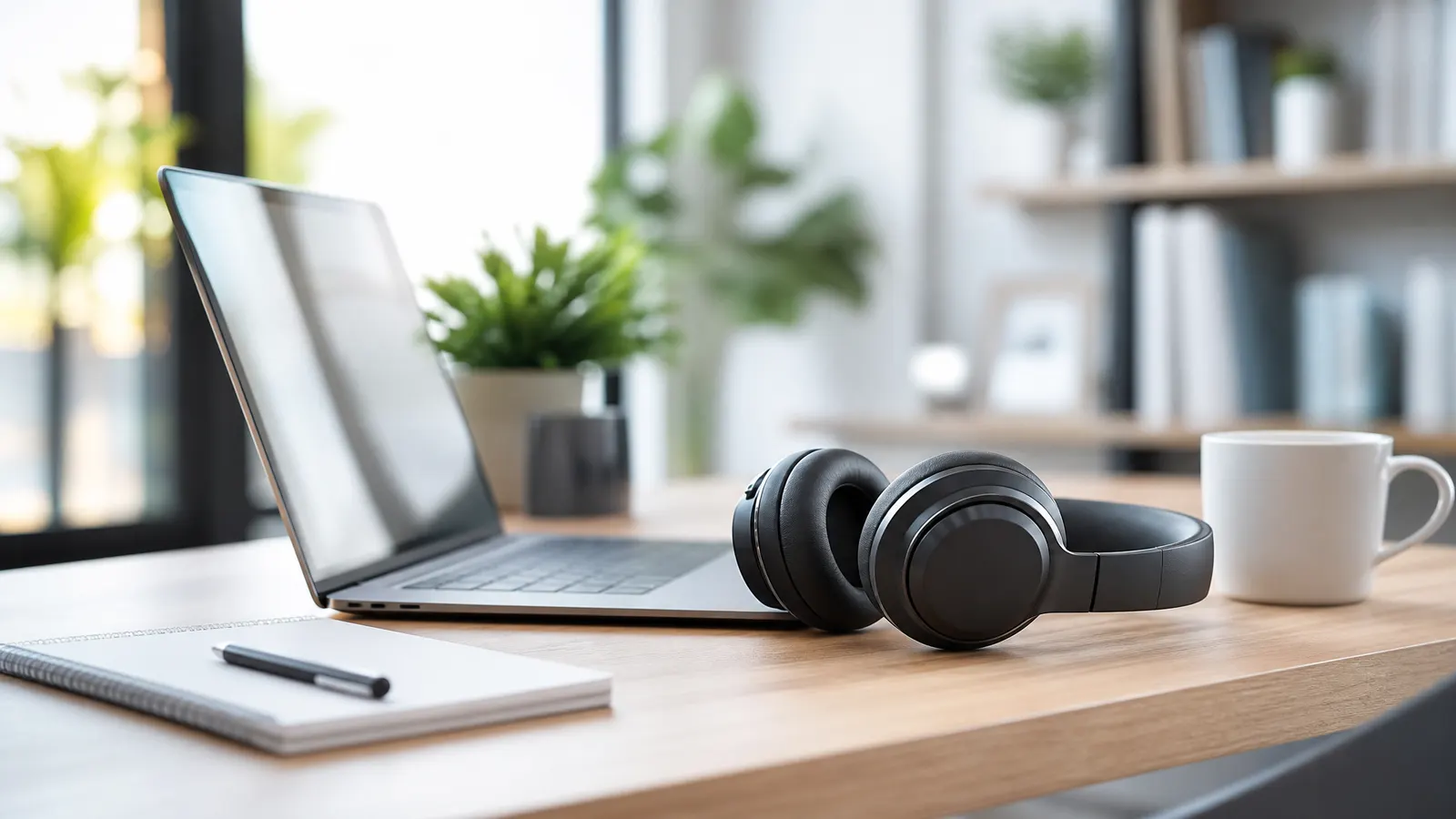
If your workday is packed with Zoom, Meet, Slack huddles, and async video updates, noise cancelling headphones for work calls are no longer a luxury. The quick answer: choose headphones with strong microphone noise reduction, comfortable all-day fit, multipoint Bluetooth, and active noise cancellation that can handle voices, traffic, fans, and household noise. For most remote workers, a premium consumer headset like Sony or Bose is the easiest upgrade; for call-heavy roles, a business headset from Jabra or Poly is often smarter.
This post contains affiliate links. We may earn a small commission at no extra cost to you.Great headphones do two jobs at once: they help you hear the meeting, and they help everyone else hear you. That second part matters more than most buyers realize.
What Actually Matters for Work Calls
Active noise cancellation helps you focus, but microphone quality determines whether you sound professional. Many headphones are excellent for music and only average for meetings. Before buying, look for these features:
- Beamforming microphones: These focus on your voice and reduce background sound.
- Transparency mode: Useful when you need to hear a doorbell, child, or coworking announcement.
- Multipoint pairing: Lets you stay connected to a laptop and phone at the same time.
- Comfort over specs: If the earcups clamp too hard, you will stop wearing them by Thursday.
- Physical mute control: A real button beats hunting for the mute icon during a messy call.
If you are upgrading a full workspace, pair this guide with our best wireless headsets for remote work breakdown. Headphones are only one part of a reliable meeting setup, but they are one of the highest-impact pieces.
Best Picks for Different Remote Workers
For most remote professionals, the Sony WH-1000XM5 is the safe premium pick. The ANC is excellent, the earcups are light, and the microphone system is good enough for normal home office calls. It is especially strong if you split time between deep work, music, travel, and meetings.
If comfort and call stability matter more than maximum features, look at the Bose QuietComfort Ultra Headphones. Bose still does long-session comfort extremely well. The sound profile is relaxed, the ANC is strong, and the controls are easy to learn.
For people who spend half the day on calls, a business-first headset may be better than a music-first model. The Jabra Evolve2 series is built for office communication, with visible busy lights on some models, strong microphones, and software support for Microsoft Teams and other workplace tools.
If you work in a shared apartment, a noisy cafe, or a family home, consider an external microphone as well. Even a great headset can struggle with dishes, dogs, or a blender in the next room. A simple USB mic with noise suppression software can make you sound calmer and clearer.
Over-Ear, On-Ear, or Earbuds?
Over-ear headphones are the best choice for most remote workers. They block more sound, feel more immersive, and usually offer better battery life. The downside is heat: if you run warm or live somewhere humid, full-size headphones can feel heavy after long sessions.
On-ear headsets are lighter and often more business-focused, but they press directly on the ear. Some people find them comfortable; others hate them after an hour. They are worth considering if you need a visible mic boom and do not care much about music.
Earbuds are convenient for quick calls and travel. They are not ideal for full meeting days because battery life is shorter and microphones are more exposed to wind, keyboard noise, and room echo. Still, if you move around constantly, earbuds can be a practical second device.
One health note: better noise cancellation should help you listen at lower volumes, not blast audio louder. The National Institute on Deafness and Other Communication Disorders has a useful overview of noise-induced hearing loss if you want the science behind safe listening habits.
Setup Tips for Clearer Calls
Before buying new hardware, fix the basics. Sit away from hard walls when possible, close the window before important calls, and turn off loud fans or appliances. Soft surfaces like curtains, rugs, and bookshelves reduce echo more than people expect.
Then tune your software. Zoom, Google Meet, Microsoft Teams, Krisp, and macOS all have noise reduction settings. Do a short test recording before an important client call. You want your voice to sound natural, not aggressively filtered and robotic.
Finally, keep a backup. A cheap wired headset or the Logitech H390 USB headset can save a meeting when Bluetooth decides to be dramatic. It is not fancy, but it is predictable, and predictable is valuable when a call starts in two minutes.
FAQ
Are noise cancelling headphones worth it for remote work?
Yes, if you take frequent calls or work around background noise. The biggest benefit is reduced fatigue. You spend less energy filtering out distractions and more attention on the actual conversation.
Do noise cancelling headphones block keyboard noise?
ANC helps you hear less keyboard noise, but it does not always stop your microphone from sending that sound to others. For loud keyboards, use software noise suppression and choose a headset with strong mic processing.
Should I buy headphones or a dedicated headset?
Buy headphones if you want one device for music, focus, travel, and calls. Buy a dedicated headset if your job is call-heavy and microphone clarity matters more than music quality.
The best noise cancelling headphones for work calls are the ones you can wear comfortably, trust daily, and forget about during the meeting. Prioritize microphone performance and comfort first, then ANC strength, then extras.