In the world of remote work, Slack and Zoom have become the default communication stack for most teams. They're the digital equivalent of the office water cooler and conference room. But as distributed teams mature, the limitations of constant, real-time chatter and back-to-back video calls become painfully clear. The future of remote collaboration isn't about more meetings; it's about smarter, more flexible, and more asynchronous communication.
This post contains affiliate links. We may earn a small commission at no extra cost to you.If you're looking to reduce meeting fatigue and improve clarity, it's time to look beyond the basics. Here are three types of next-generation communication tools that are helping the best remote teams in the world stay aligned and productive in 2026.
1. Asynchronous Video Messaging: The Meeting Killer
The problem with most communication is that it demands immediate attention. A Slack message pulls you out of deep work. A surprise Zoom call derails your entire afternoon. Asynchronous video messaging tools offer a powerful alternative.
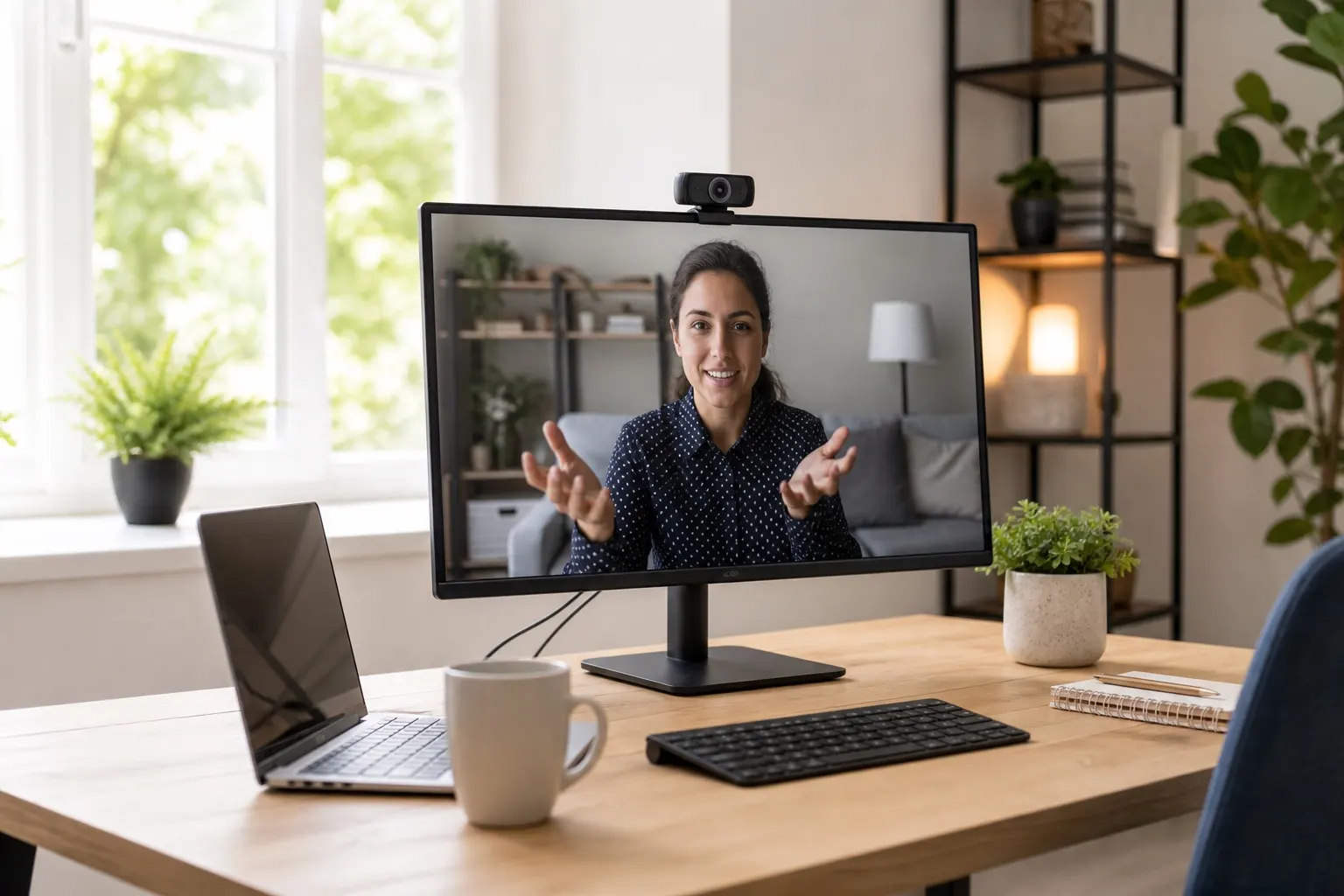
Instead of scheduling a 30-minute meeting to explain a concept or give feedback on a design, you can record a quick video of your screen and your face, walk through the details, and send it to your team to watch when they're ready. This respects everyone's focus time and creates a clear, visual record of the conversation.
Our Top Pick: Loom has become the gold standard in this space. It's incredibly easy to use and integrates with the tools you already have. It's perfect for code reviews, design feedback, bug reports, and weekly updates. It cuts down on unnecessary meetings while adding a personal, human touch that text often lacks.To get the most out of async video, you need crystal-clear audio. A dedicated headset makes a world of difference. The Jabra Evolve2 series is a fantastic investment, offering superb noise cancellation so your message always comes through loud and clear.
2. The Digital Whiteboard: Where Ideas Take Shape
Brainstorming sessions are one of the hardest things to replicate in a remote setting. Huddling around a whiteboard is a creative, dynamic process that's tough to capture on a video call. This is where digital whiteboards come in.
These tools provide an infinite canvas where teams can collaborate in real-time or asynchronously. You can use digital sticky notes, draw diagrams, embed images and videos, and create complex mind maps. It's a visual playground for your team's best ideas.
Our Top Pick: Miro is a powerful and versatile platform that works for everything from quick brainstorming sessions to full-scale project planning and user journey mapping. It provides a shared space for visual thinking that can be revisited and built upon over time, unlike a physical whiteboard that gets erased after the meeting.A great visual experience also depends on a quality webcam. If your team is going to be collaborating visually, ensuring they can see you clearly helps build connection. The Logitech C920 remains a top-tier choice for its crisp 1080p video quality without breaking the bank.
3. The Centralized Knowledge Base: Your Team's "Single Source of Truth"
"Where can I find the document about X?" "What was the decision we made on Y?" These questions are productivity killers. In an office, you can just ask the person next to you. Remotely, it creates a constant stream of interruptions.
The solution is to build a "single source of truth"—a centralized, well-organized knowledge base or internal wiki. This becomes the first place anyone goes to find information, from company policies and project specs to meeting notes and process documentation.
While dedicated tools like Confluence exist, many teams are finding success by integrating this function into the project management tools they already use. Modern tools like Notion and Coda are blending documents, tasks, and databases into powerful, all-in-one workspaces. Having your documentation live right next to your projects reduces friction and encourages everyone to keep information up-to-date.
By thoughtfully expanding your communication toolkit, you can create a more efficient, flexible, and sustainable remote work environment that empowers your team to do their best work, regardless of location or time zone.