Good lighting is the most underrated upgrade in any home office. It affects your energy levels, your eye strain, how you look on video calls, and even your mood throughout the day. Yet most remote workers give it almost no thought.
This post contains affiliate links. We may earn a small commission at no extra cost to you. TL;DR: Position your desk perpendicular to a window for natural side light, add a warm LED desk lamp for fill, and use a ring light or key light if you spend hours on video calls. Total cost: $30–$80.Why Lighting Matters More Than You Think
Poor lighting causes eye strain faster than almost any other workspace factor. Working under harsh overhead fluorescents or a single bright window behind your monitor leads to squinting, headaches, and fatigue by mid-afternoon — none of which show up in productivity apps, but all of which quietly drain your output.
On video calls, bad lighting makes you look washed out, shadowy, or like you're calling from a cave. Good lighting makes you look sharp, present, and professional — without a ring light that screams "influencer."
The goal is balance: enough light to work comfortably, positioned so it doesn't create glare, and warm enough that your eyes aren't fighting the cool blue tone all day.
Step 1 — Get Natural Light Working For You
Natural daylight is the best lighting source you have, and it's free. The trick is positioning.
- Perpendicular to a window is the sweet spot. Light hits your face from the side, which looks natural and doesn't cause screen glare.
- Facing a window creates glare on your monitor and makes you a silhouette on video calls.
- Window behind you puts your face in shadow while blowing out your background on camera.
If you can rearrange your desk to sit sideways to a window, do it before buying anything else. It costs nothing and makes an immediate difference.
Step 2 — Add a Quality LED Desk Lamp
Natural light isn't always consistent — cloudy days, evening sessions, and north-facing rooms all need a backup. A good LED desk lamp fills that gap.
Look for:
- Adjustable color temperature (2700K warm to 6500K cool). Use warm light in the morning and evening, neutral white during your peak working hours.
- Adjustable brightness — you want control, not just on/off.
- Flicker-free — cheap LED lamps flicker imperceptibly but cause eye fatigue. Quality brands specify this.
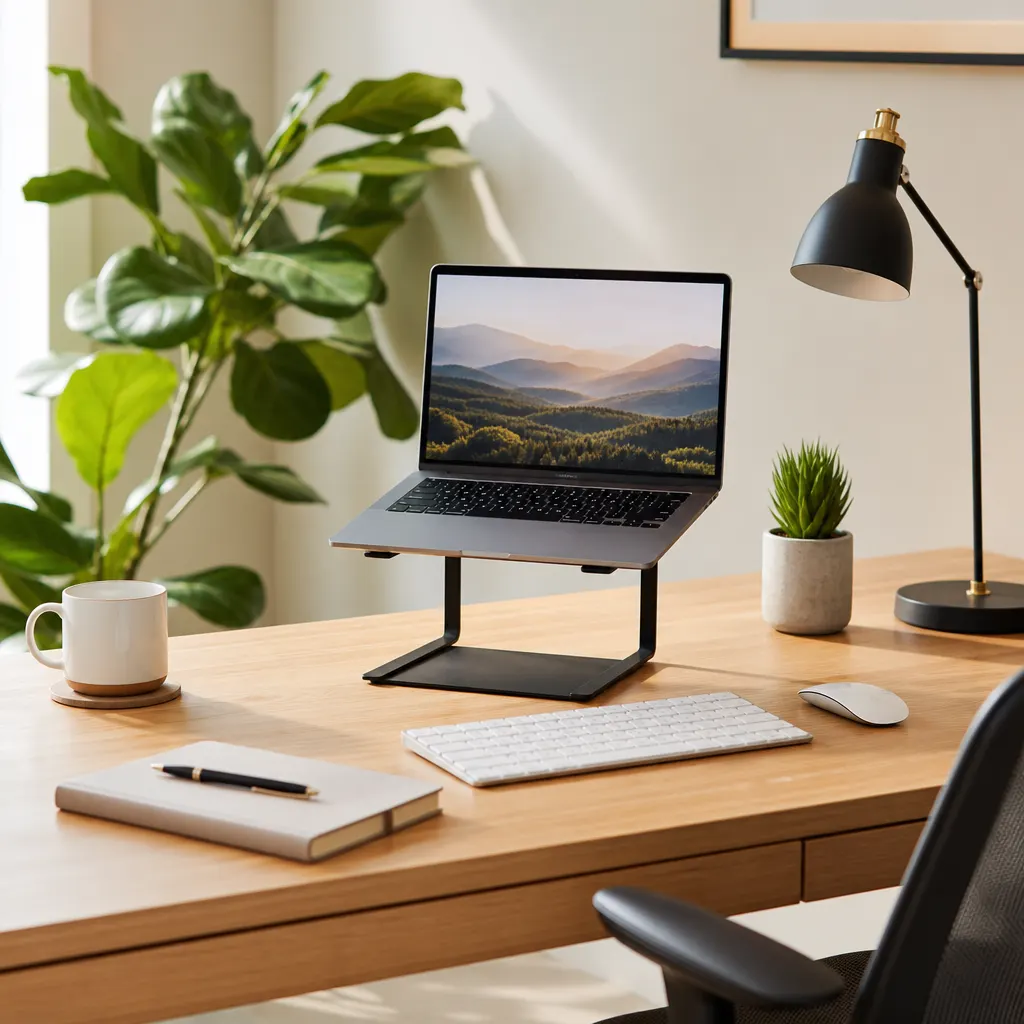
Position the lamp to one side of your monitor — same side as your window if possible — so both light sources complement each other rather than competing.
Step 3 — Video Call Lighting (If You're on Camera Constantly)
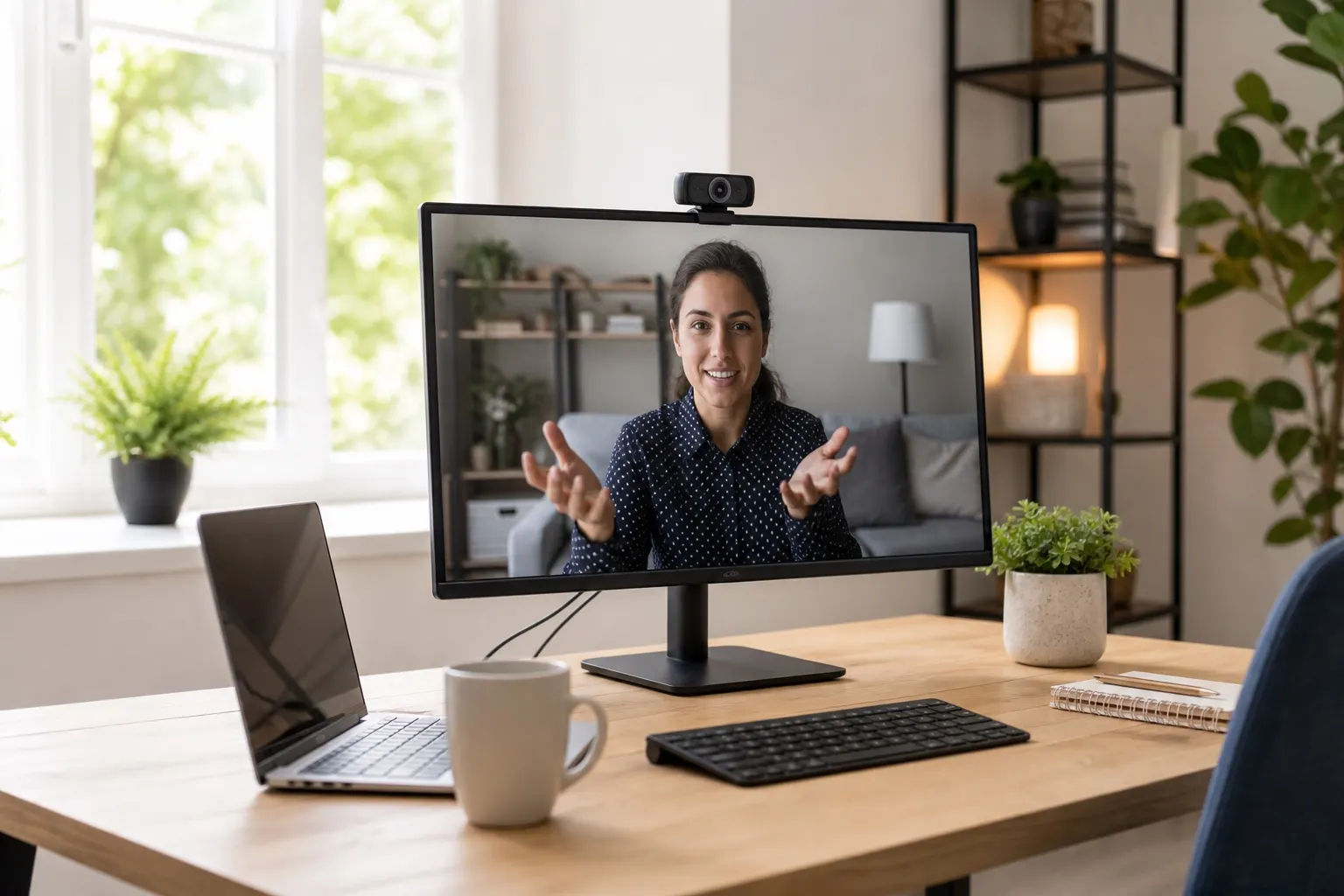
If your job involves back-to-back video calls, invest a little more in a dedicated key light or ring light. The difference is significant and your colleagues will notice immediately.
Ring Lights
Ring lights produce even, flattering light that wraps around your face without harsh shadows. They're popular for a reason. A 10-inch ring light on an adjustable stand runs $25–$40 and positions easily behind or to the side of your monitor.
10-inch Ring Light for Video CallsOne caution: center-mounted ring lights create a noticeable ring reflection in your eyes. Some people find this looks slightly artificial. Offset slightly to one side for a more natural look.
Key Lights (Elgato Variety)
If you want something cleaner and more adjustable, the Elgato Key Light Mini ($60–$80) is the professional standard for remote workers and streamers alike. It mounts to your desk or monitor, has app-based color and brightness control, and produces soft, diffused light that looks genuinely good on camera.
It's a bigger spend, but if you're doing client calls, interviews, or recording content regularly, it pays for itself in professional credibility.
Elgato Key Light for Home OfficeStep 4 — Fix Overhead Lighting
The overhead light in most rooms is designed for general living, not focused work. A bare ceiling bulb directly above you creates top-down shadows that make you look tired on camera and flatten your workspace visually.
Simple fixes:
- Switch the bulb to warm white (2700K–3000K). Cool white daylight bulbs feel clinical in a home setting.
- Use a floor lamp or torchiere pointed at the ceiling to bounce soft ambient light into the room rather than harsh direct light downward.
- Turn off the overhead entirely if your desk lamp and natural light are doing the job. Many remote workers find a well-lit desk in a softly ambient room more comfortable than full overhead brightness.
Quick Troubleshooting Guide
Glare on your monitor? Your desk lamp or window is directly in front of or behind you. Move the lamp to the side, or add an anti-glare screen protector. Looking shadowy on video calls? You need more front or side fill light. Add a ring light or position your desk lamp closer to camera height. Eye strain by 2pm? You're probably using too-cool light. Drop your desk lamp to 3000K–4000K during work hours, and check if your monitor brightness is turned up too high relative to the room. Inconsistent light during calls? Rely less on natural light (which changes throughout the day) and more on a consistent artificial source that you control.The Full Setup, By Budget
| Budget | What to Buy |
|---|---|
| $0 | Reposition desk perpendicular to window |
| $20–$30 | LED desk lamp with color temperature |
| $40–$50 | Add a ring light for video calls |
| $70–$100 | Swap ring light for Elgato Key Light Mini |
For most remote workers, the $30 LED desk lamp plus smart window positioning is 80% of the benefit. The ring light or key light is worth adding if you're on video more than 2 hours a day.
If you're building out a complete setup from scratch, pair this with our home office under $200 guide — lighting is one of the four pillars covered there alongside your desk, chair, and accessories.
FAQ
What color temperature is best for a home office?
For focused work, 4000K–5000K (neutral to cool white) helps with alertness. For early mornings and evenings, warm white at 2700K–3000K is easier on your eyes. A desk lamp with adjustable color temperature lets you shift throughout the day rather than committing to one setting.
Do I need a ring light if I have good natural light?
Not necessarily. If your desk already gets consistent, even natural light from the side, you may look great on camera without any artificial front lighting. The problem is consistency — natural light changes throughout the day and disappears in the evening. A ring light or key light gives you reliable, controllable light regardless of conditions outside.
How do I stop glare on my monitor?
Position your monitor so no window is directly in front of or behind it. The monitor should be perpendicular to your main light source. If the room layout makes this impossible, an anti-glare matte screen protector ($15–$25) cuts most of the reflections. Lowering your monitor brightness slightly to match ambient room light also helps significantly.